Turn an eBook into a narrated, multi-module HD video course with workbooks and a hosted checkout page, without filming or recording your voice.
Why do people pay $7 for an eBook but much more for a video course on the same topic? In this eBook2Video AI review, I’ll look at a tool built around that idea.
Think about it. The information can be identical, yet a course with modules, video lessons and worksheets feels worth far more than a PDF.
The catch is the work. Outlining modules, designing hundreds of slides, recording voiceovers, editing video, building a members area and a checkout page can take weeks, or a stack of freelancer invoices.
eBook2Video AI is a course builder that starts from a pre-loaded eBook or your own document and produces the slides, narration, worksheets, classroom and checkout page for you.
In this eBook2Video AI review, I’ll explore what the software offers, how it works, and whether it’s worth your investment. Read on to find out if it fits your course-selling goals.
This review contains affiliate links. If you buy through them, I may earn a commission at no extra cost to you.
Table of Contents
ToggleWhat Is eBook2Video AI?
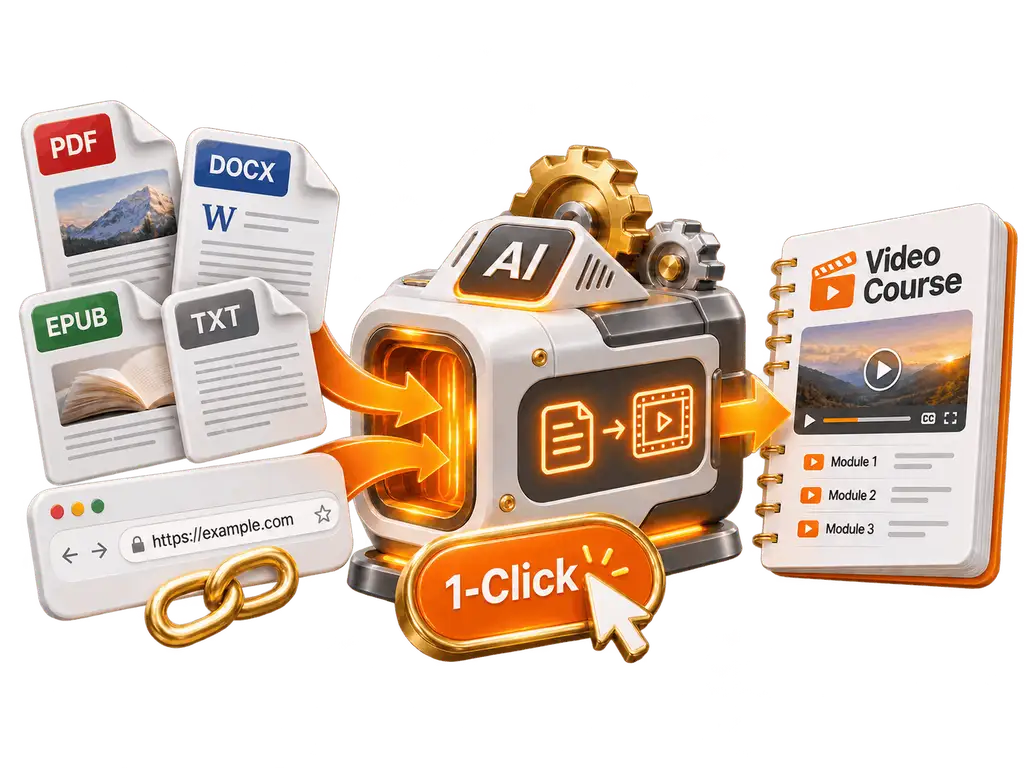
eBook2Video AI is a cloud-based course builder that turns an eBook, PDF, document or webpage into a multi-module video course with AI voiceovers, PDF worksheets, a hosted student classroom and a checkout page, so creators can sell courses without filming themselves.
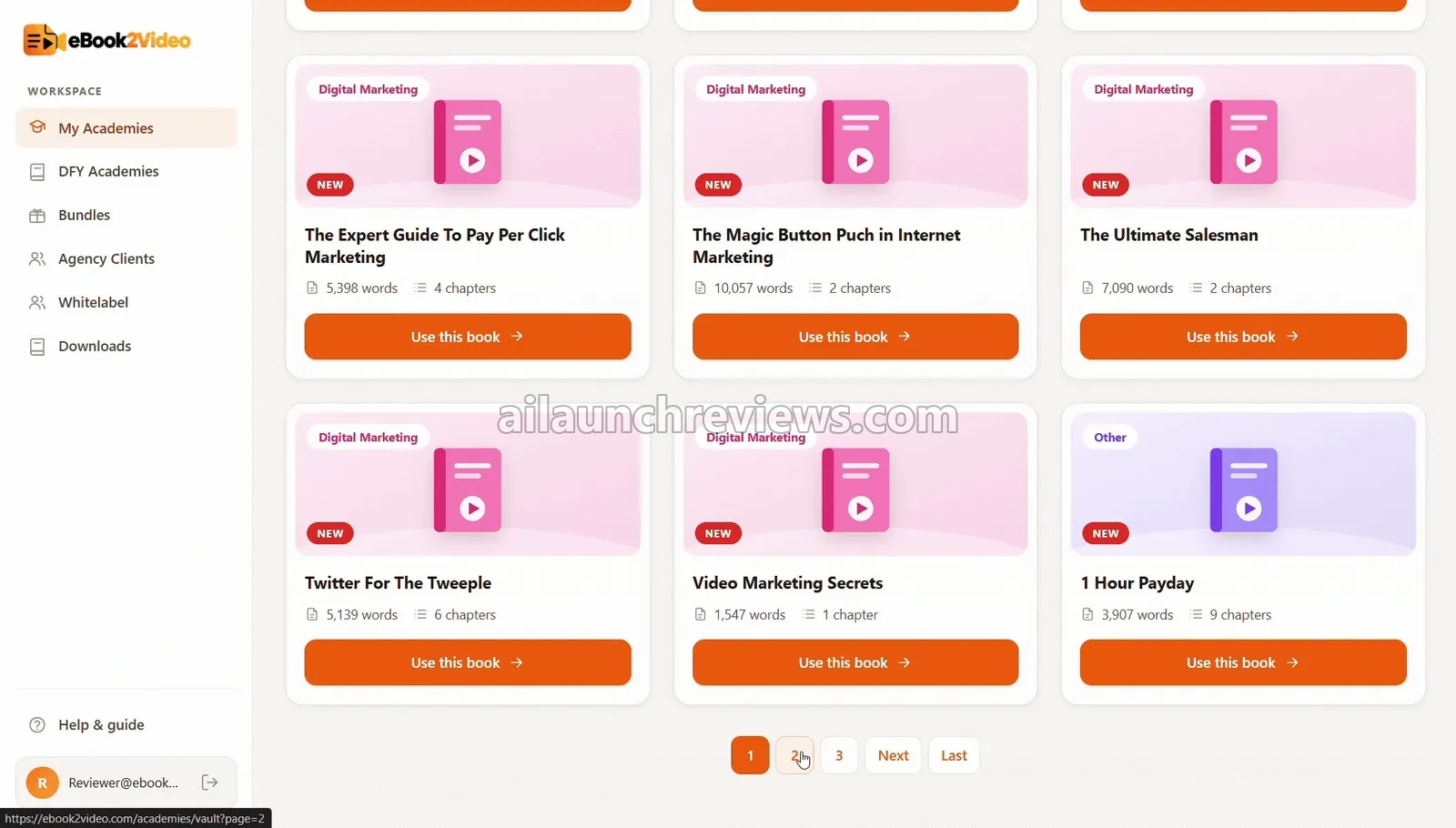
It comes with a library of 500+ niche eBooks in topics like weight loss, personal finance, AI, real estate, relationships and digital marketing, so you don’t need your own content to start. You can also upload a .pdf, .docx, .epub or .txt file, or paste a URL.
What sets it apart from a plain video tool is that it covers the whole chain: content, curriculum, slides, narration, worksheets, hosting and checkout. If you mainly want to write course material, our guide to AI writing tools for businesses covers that side.
eBook2Video AI Review: Quick Overview
| Product Creator | Mustapha Hassan |
| Product Name | eBook2Video AI |
| Launch Date | 2026-Nov-23 |
| Launch Time | 11:00 AM EST |
| Front-end Price | $16.95 (one-time payment) |
| Number of OTOs | 5 upgrades published, $67 to $297 (downsell $47) |
| Coupon | None announced |
| Official Website | >>>Visit The FE Salespage<<< |
| Bonus | Yes, Huge Bonuses |
| Guarantee | 30 Day Money Back Guarantee |
| Niche | AI Video Courses, eBooks and Digital Products |
| Vendor’s Support | Vendor support desk by email (details sent after purchase) |
| Claim My Bonuses | bonus.samxavier@gmail.com |
| Recommend | Worth considering for creators who want to turn written content into video courses |
Above is the Complete Overview of eBook2Video AI and I mentioned the creator’s name, the launch date of the product, and the Front End price details.
About the Creator: Mustapha Hassan
eBook2Video AI is created by Mustapha Hassan, who signs the sales page and handles the launch’s partner support.
The vendor’s pages don’t list his earlier products, so I can’t point you to a launch history for this review.
What I can confirm: the sales page and every upgrade page carry a 30-day money-back guarantee, and refunds go through the vendor’s support desk by email. The vendor’s pages don’t publish a support address before purchase.
From One eBook to a Hosted Video Course: What eBook2Video AI Can Do
Here are the features the vendor lists for eBook2Video AI, and who each one helps.
500+ Pre-Loaded Niche eBook Vault: Content Without Writing
No content of your own? The dashboard includes a searchable vault of 500+ eBooks across 25+ niches, described by the vendor as copyright-free.
Even better, you can pick a topic first and decide on your angle later.
File and URL Ingestion: Use What You Already Own
Got an old PDF, a training manual or a blog post? Upload a .pdf, .docx, .epub or .txt file, or paste a URL, and the app strips out page numbers, headers and formatting noise.
This suits coaches and businesses with existing material that’s never been turned into a course.
Curriculum Upgrader: A Course Structure in Seconds
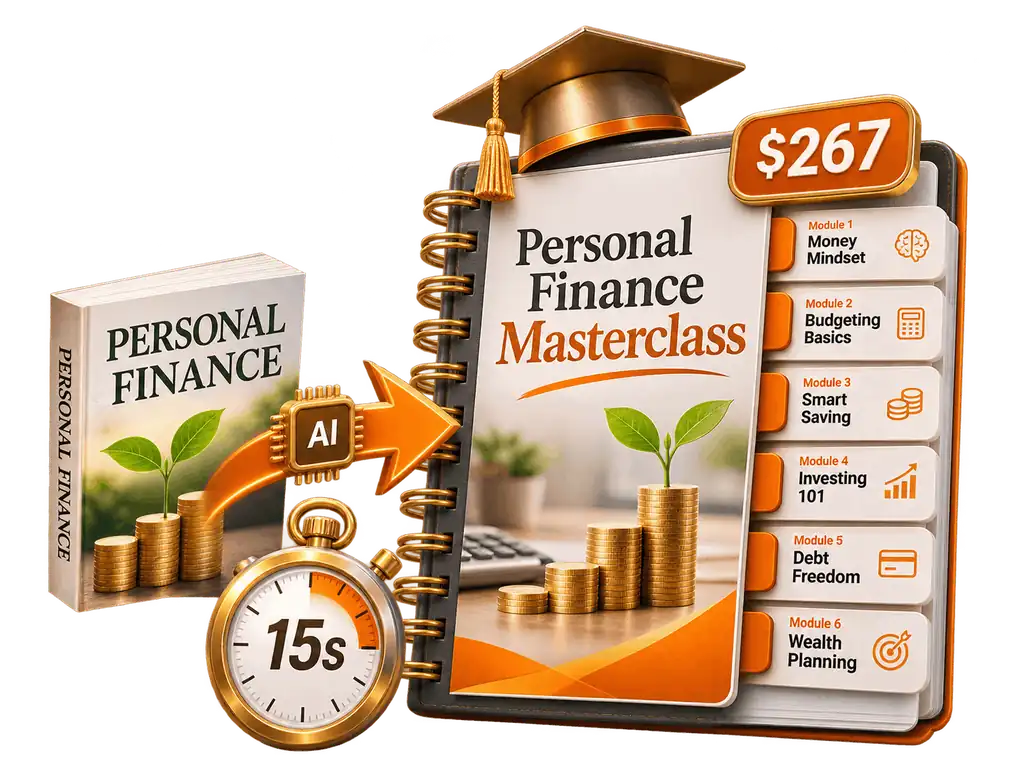
Forget outlining by hand. The AI turns a book into a course title and subtitle, 5 to 8 modules and 3 to 5 lessons per module, with slide points and voiceover scripts for each lesson.
The vendor says this takes about 15 seconds.
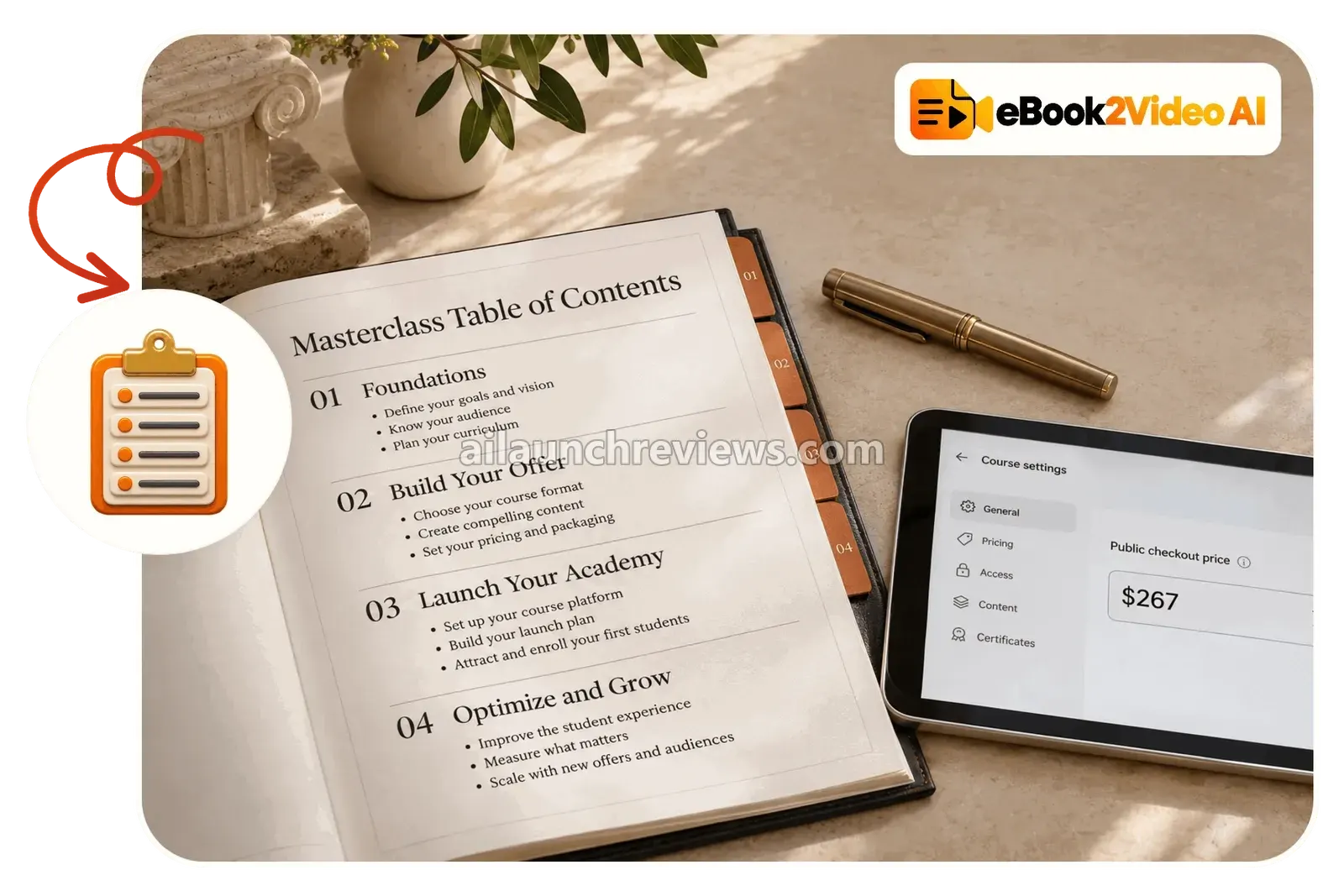
Interactive Blueprint and Approval Screen: Check Before You Render
Every module title, lesson title, slide bullet and script sits on one screen before anything renders. You can edit any word, then approve.
What I like here is that the vendor admits AI output isn’t always right and gives you the place to fix it.
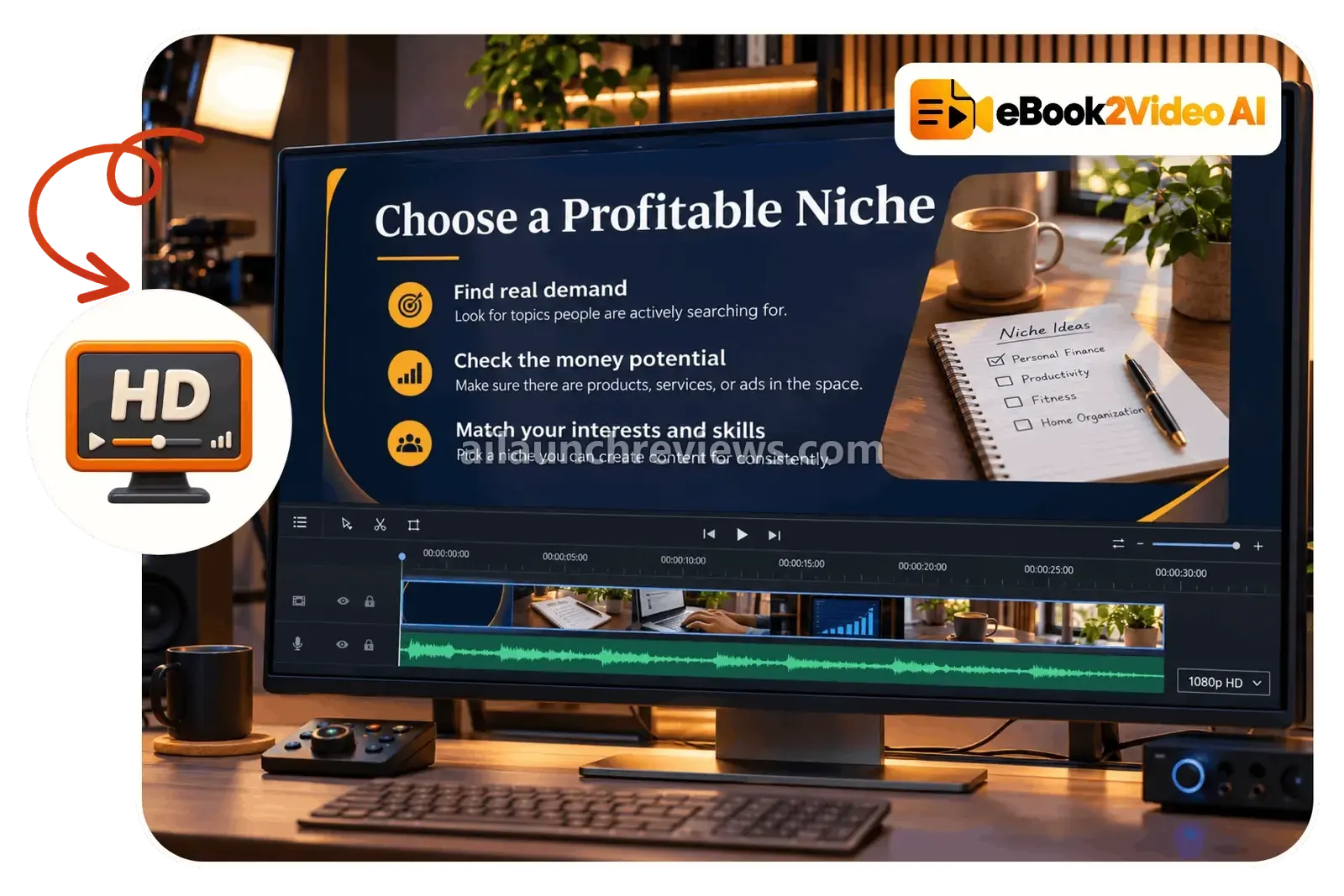
1080p HD Slide Video Renderer: Lessons Without Editing Software
Each lesson becomes a 16:9, 1920×1080 slide video with clean typography, a progress bar and royalty-free visuals from Pexels and Pixabay.
That replaces hours in a slide tool and a video editor.
Neural AI Voiceover Studio: Narration Without a Microphone
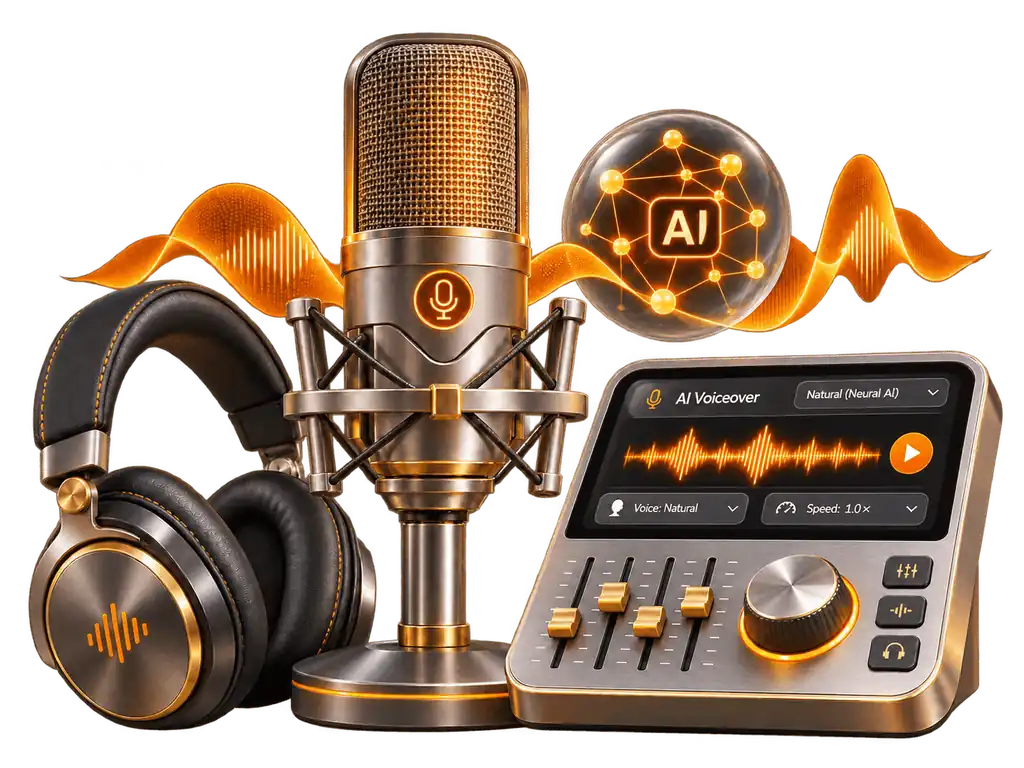
Don’t like your own voice on tape? Every slide script is narrated by an AI voice synced to the slides, with background music at a low volume.
You can change the voice style before publishing.
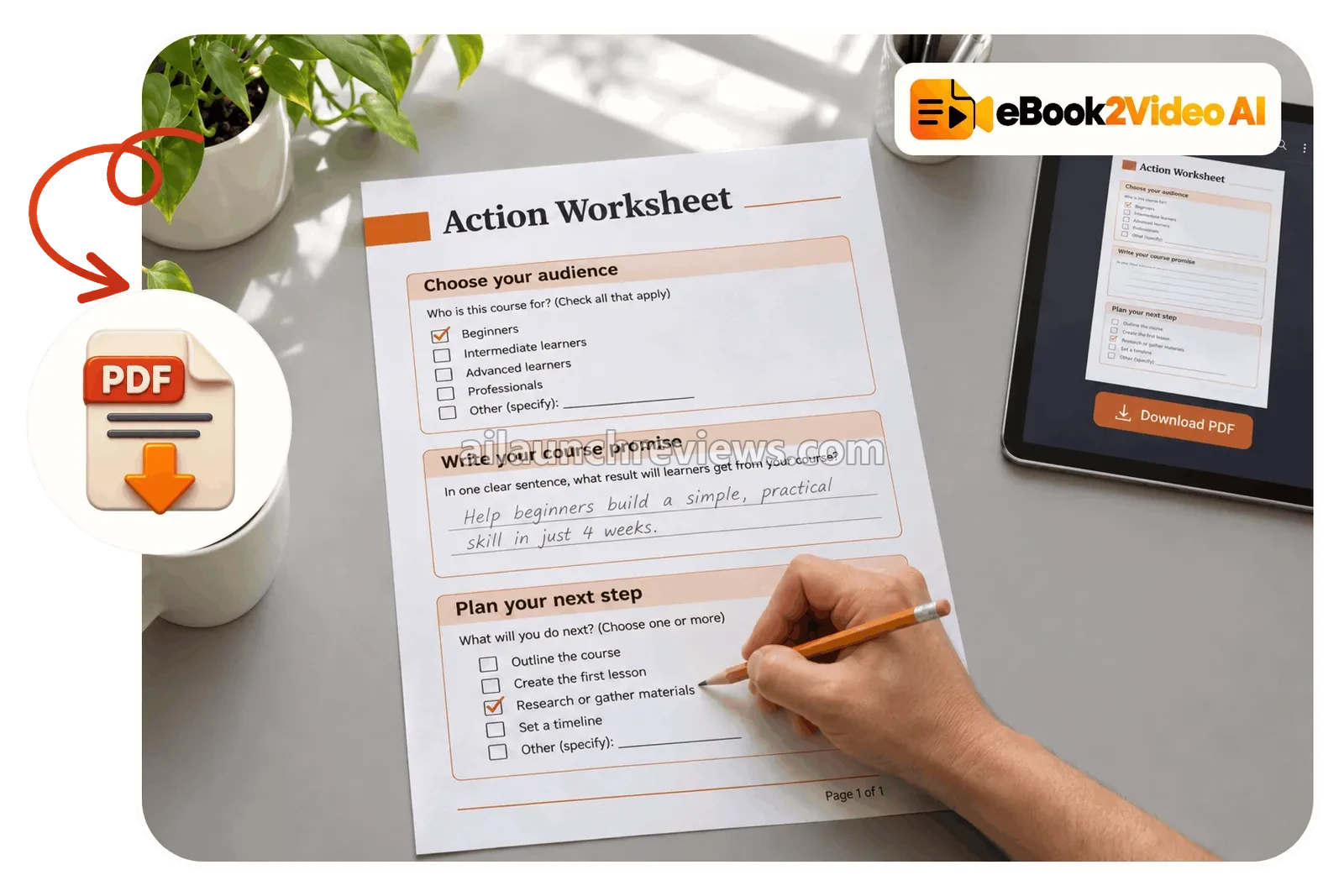
Student PDF Workbook Creator: Something to Print
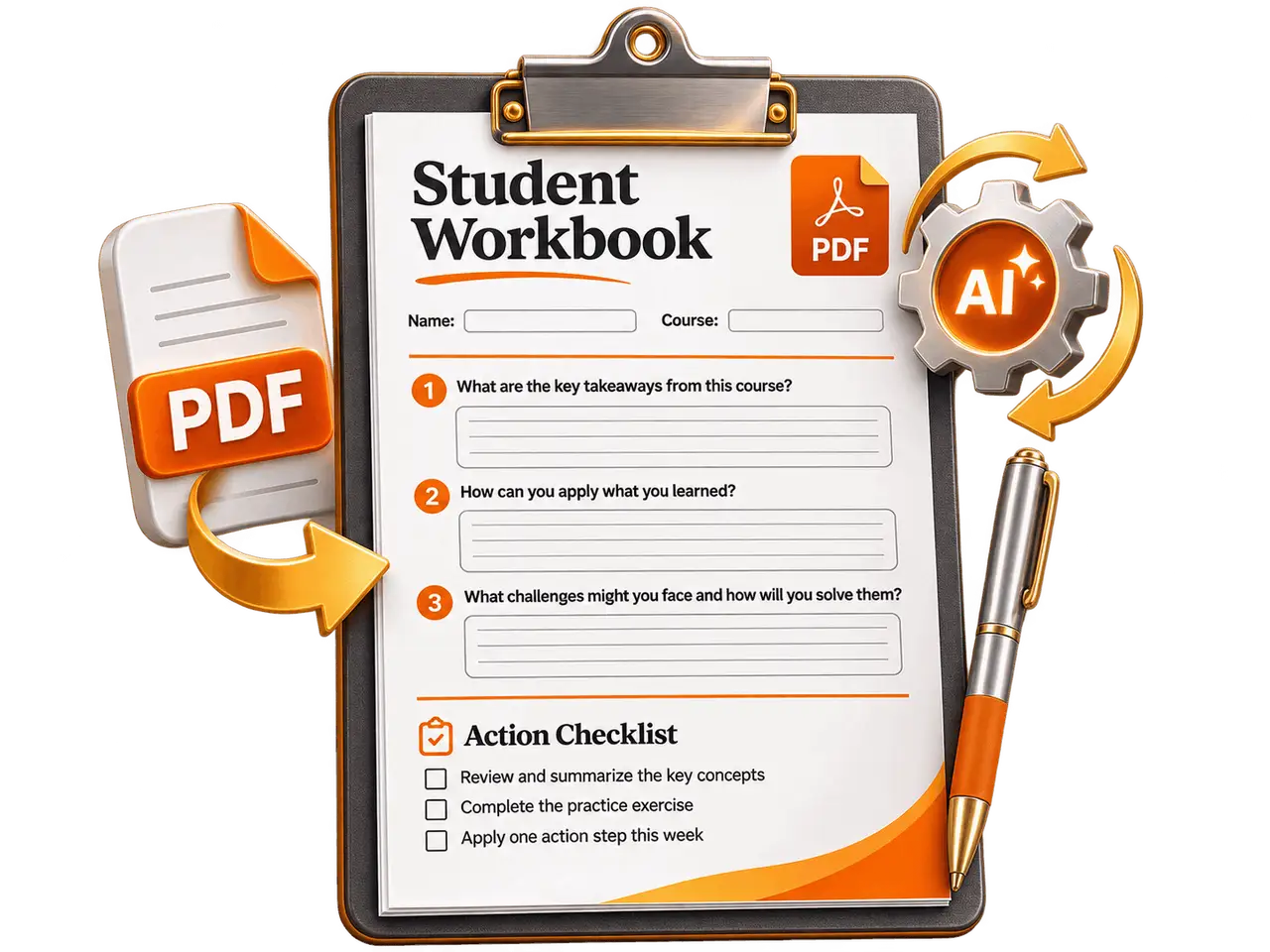
Under every lesson, the app pulls 5 action steps from that chapter into a one-page PDF worksheet.
Students get a checklist to follow, which makes the course feel more complete.
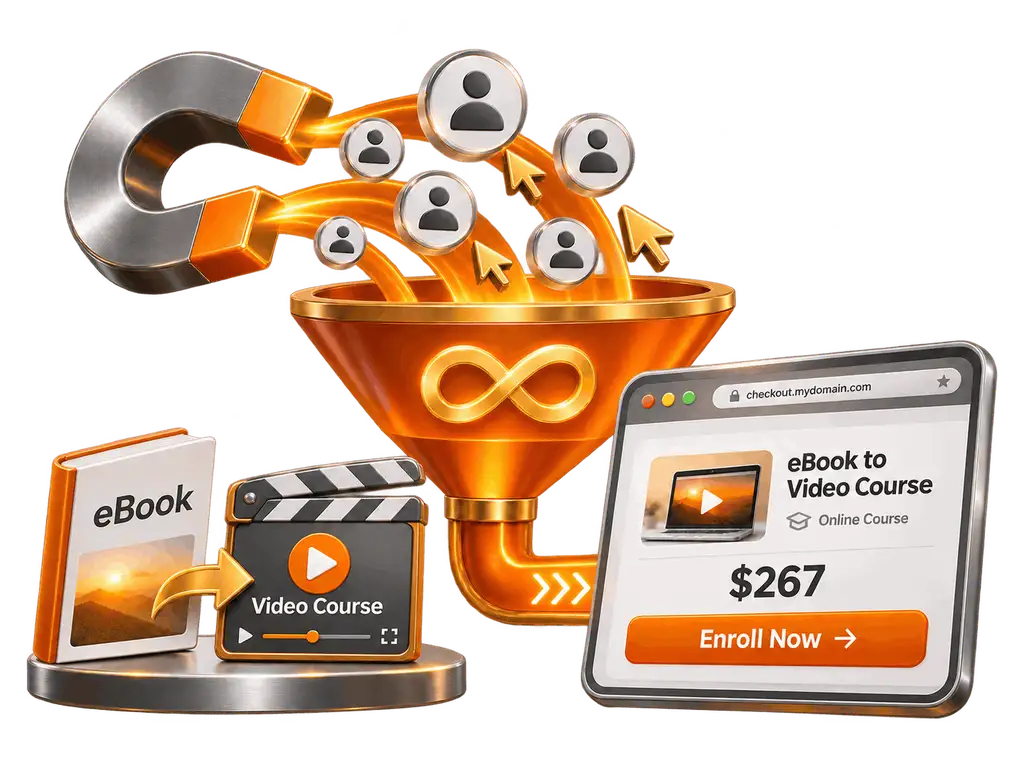
Hosted Checkout Page: A Sales Page Built for You
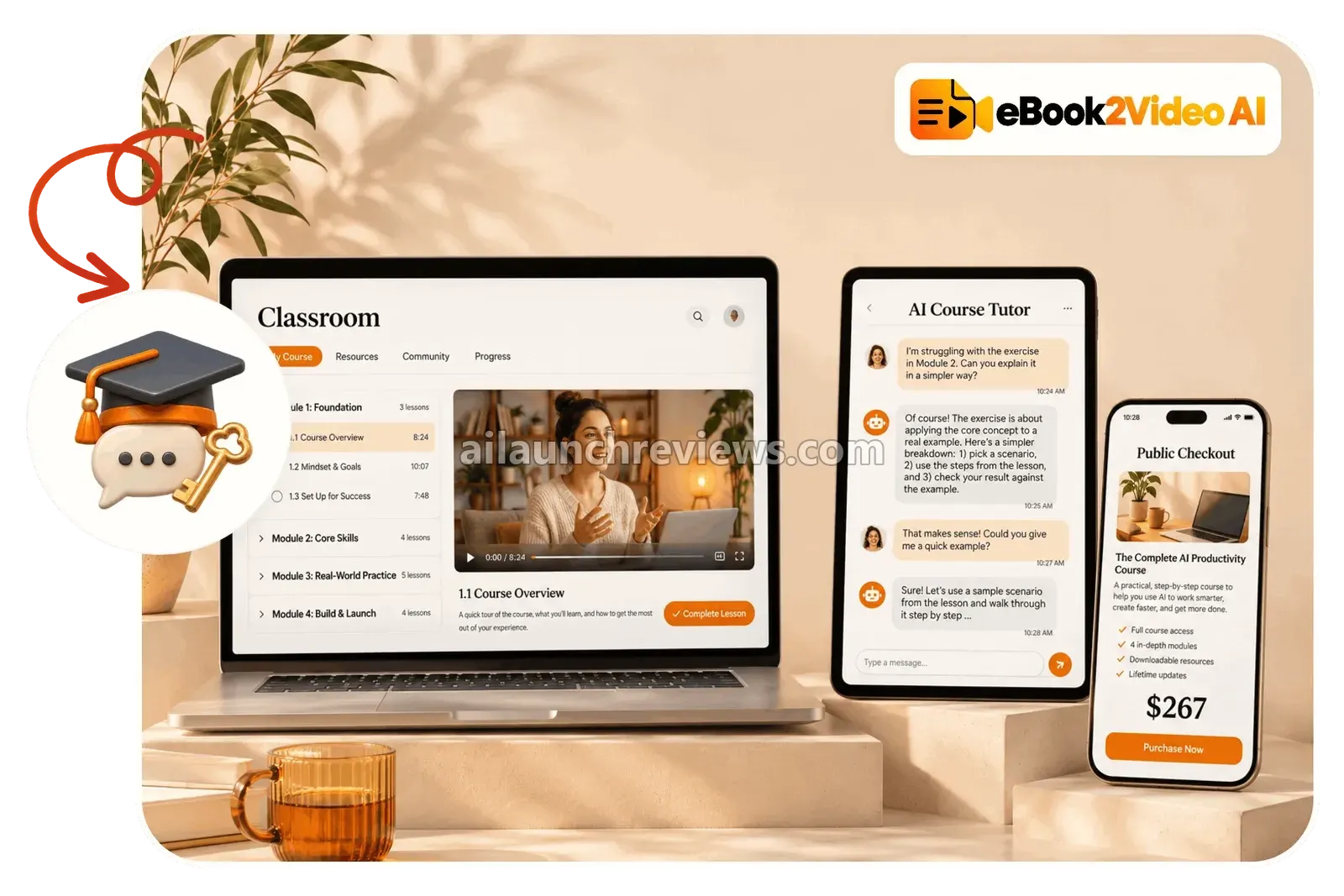
The app publishes a two-column public sales page with a 60-second preview video, an image strip, 5 sales bullets, a locked curriculum preview and a checkout card. The default price is $267, but you can set any one-time or recurring price.
That saves writing sales copy and building a page from scratch.
Protected Student Classroom: Course Delivery Handled
Buyers get login details by email and land in a classroom with a progress bar, module folders, a video player with speed controls and a resources tab.
Even better, hosting is included, so there’s no separate course platform bill.
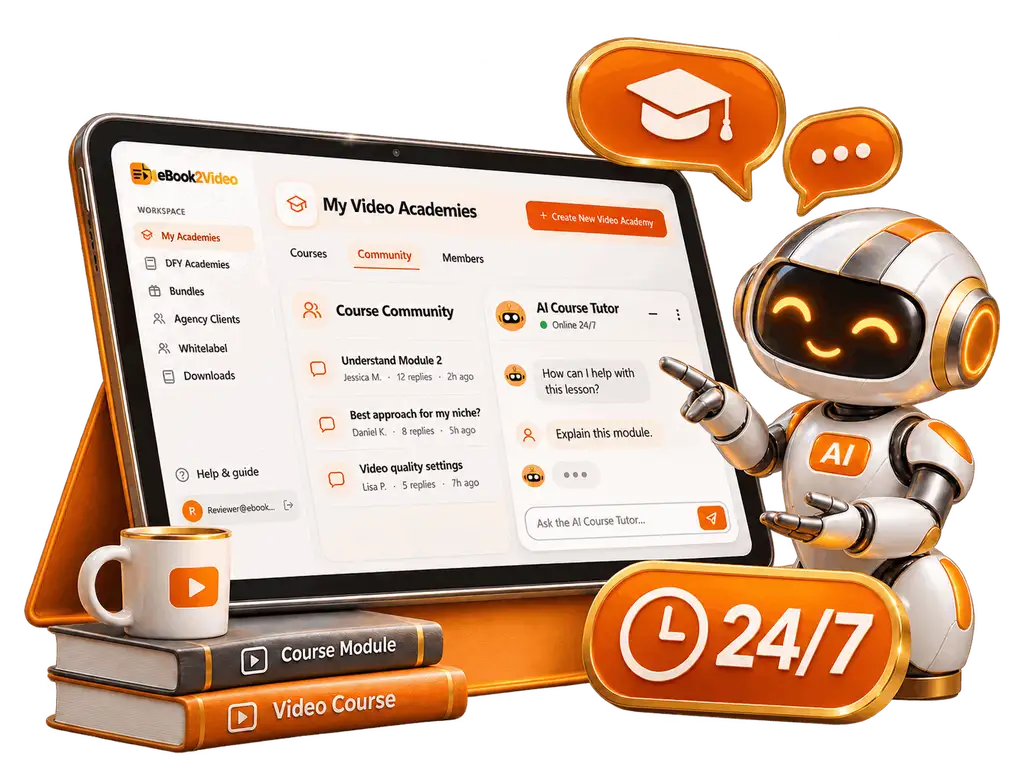
24/7 AI Course Tutor: Answers for Students
Inside the classroom’s community tab, an AI tutor trained on your eBook answers student questions.
That cuts down support work, though I’d still read the discussion now and then.
Global Payment Integration: Get Paid Directly
The checkout connects to Stripe, PayPal, Paystack and Flutterwave, or links out to ClickBank, JVZoo, WarriorPlus, Whop or Gumroad.
The vendor says the money goes straight to your own account.
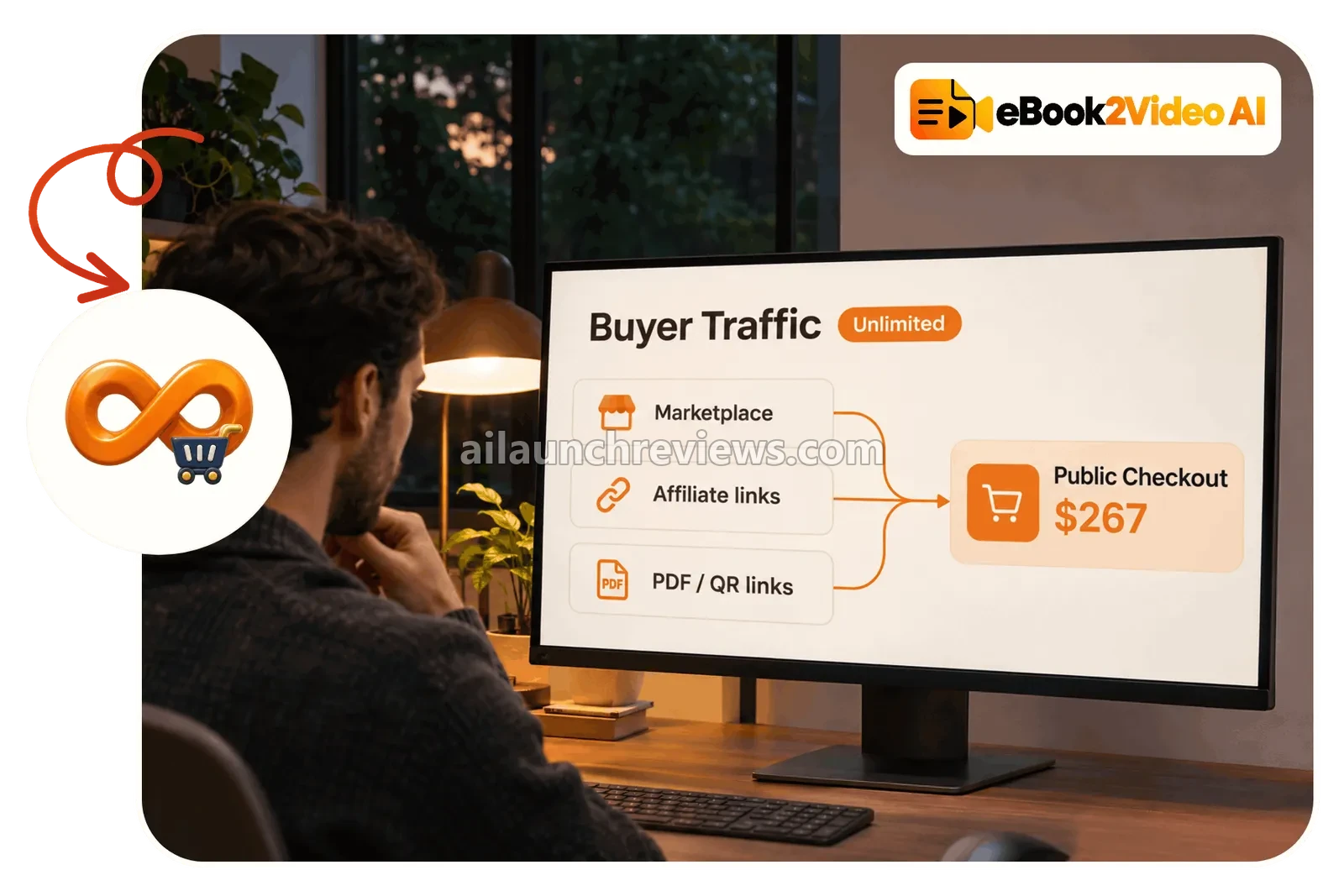
Built-In Traffic Tools: Shorts, PDF Links and Affiliates
The vendor bundles four traffic features: a “buyer traffic” rotator, a PDF stamper that adds clickable banners and QR codes to your eBook, a tool that turns Lesson 1 into vertical Shorts and Reels, and a public marketplace where affiliates can promote your course for 50% commission.
The pages don’t say where the rotator traffic comes from, so I’d treat the Shorts and PDF tools as the practical part.
Faceless Operation: Sell Under a Pen Name
No camera, no voice recording and no social following are required. You can publish under a pen name or an academy brand.
This suits people who want to sell knowledge without becoming a personality.
Zero Hosting Fees and Commercial Rights: One Payment
Hosting for videos, classrooms and checkout pages is included in the one-time price, and the sales page says the front end comes with full commercial rights to sell your courses.
Compared with a monthly course platform, that’s the main cost saving.
Ready to try it? Grab eBook2Video AI through the button below.
eBook2Video AI in Action: A Complete Step-by-Step Software Walkthrough
For this walkthrough, I’ll use a personal finance eBook from the vault, the example the vendor uses most. The steps follow the vendor’s sales page and app screen recordings; I haven’t used the app myself.
Phase 1: Choose Your Book
Step 1: Log In to the Dashboard
Open the app in your browser. It’s cloud-based and works on a computer, tablet or phone.
Step 2: Start a New Academy
Click Create New Video Academy to open the 4-step wizard.
Step 3: Pick a Book From the Vault
Browse the 500+ eBooks by niche and choose one, or upload your own file. If you can’t decide, the vendor says the app can pick a book, theme and voice for you.
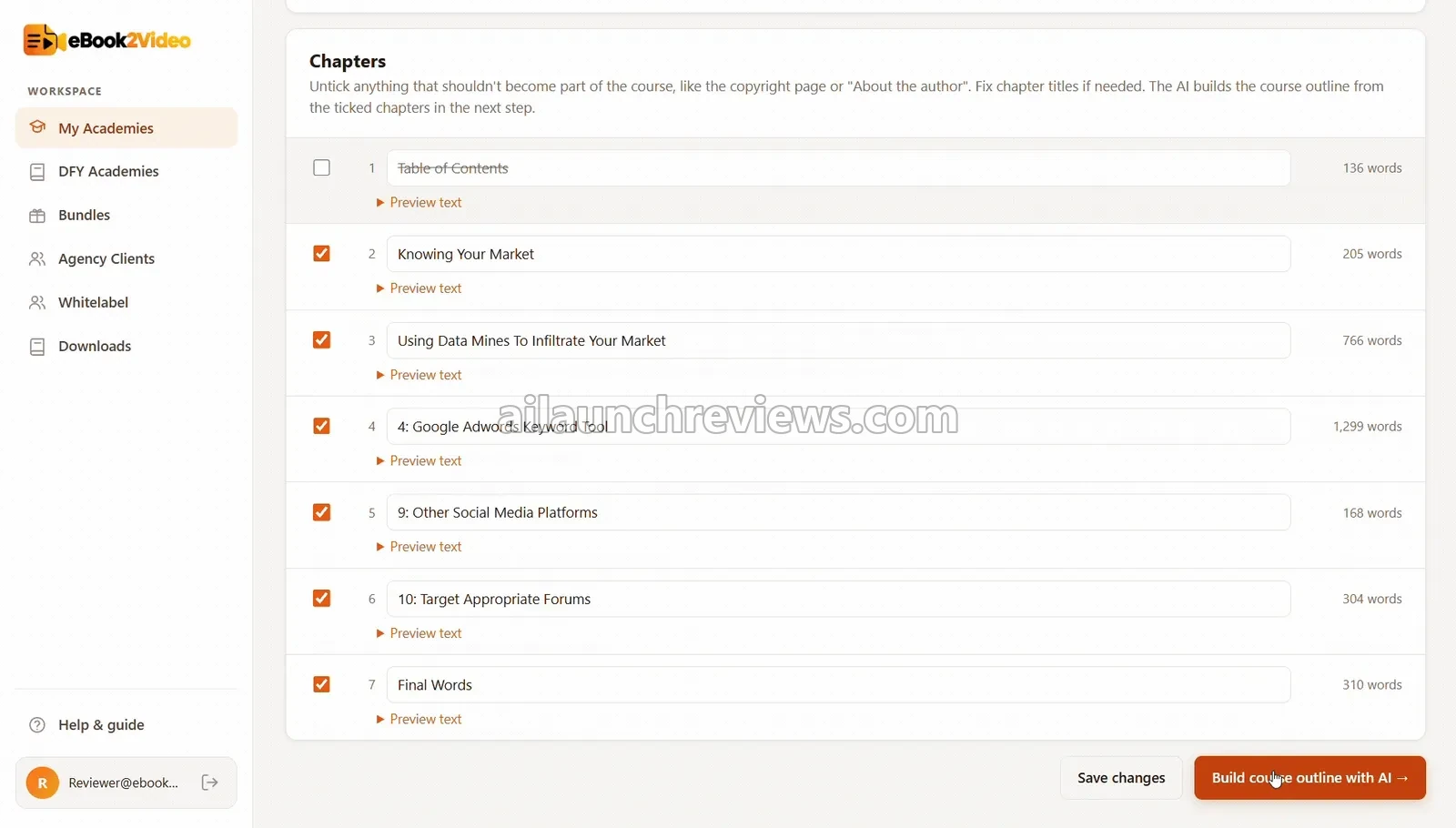
Step 4: Select the Chapters to Use
Tick the chapters you want in the course and leave out anything off-topic.
Phase 2: Build the Course Blueprint
Step 5: Generate the Curriculum
The AI creates the course title, modules, lessons, slide points, scripts and 5 sales bullets.
Step 6: Review the Table of Contents
Read through every module and lesson title and edit anything that sounds off.
Step 7: Check the Scripts
Skim the voiceover scripts for facts that need updating. Personal finance rules change, so this matters.
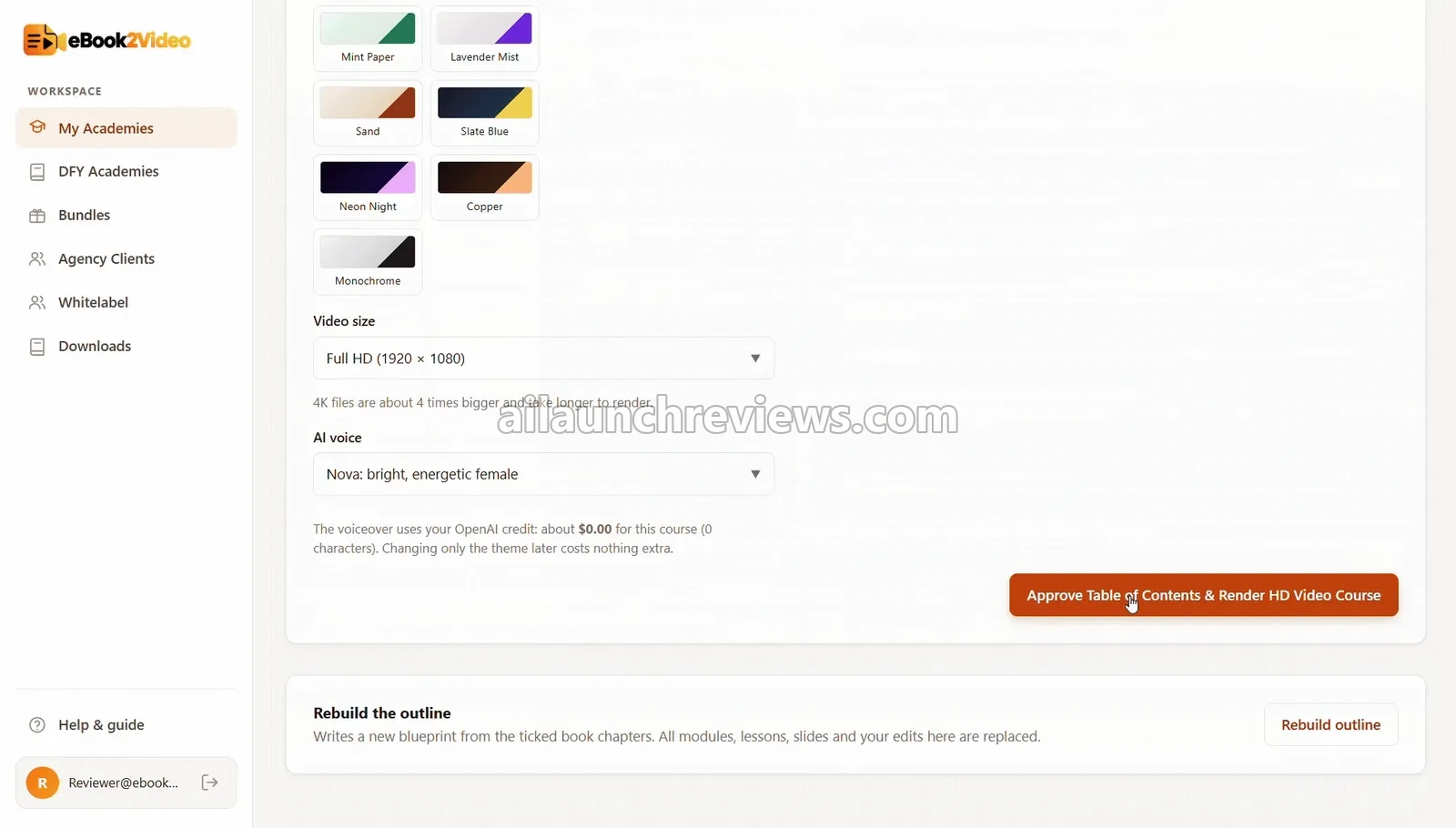
Step 8: Choose a Slide Theme and Voice
Pick the visual theme and the AI voice style for the narration.
Phase 3: Render the Lessons
Step 9: Approve and Render
Click Approve & Render to produce the HD slide videos and voiceovers.
Step 10: Check the Worksheets
Open the one-page PDF worksheet under a few lessons to make sure the action steps make sense.
Step 11: Watch a Sample Lesson
Play one or two lessons end to end. Fix any slide or narration you don’t like before going public.
Phase 4: Publish and Promote
Step 12: Set Your Price
Keep the default price or set your own one-time or monthly price.
Step 13: Connect Your Payment Method
Connect Stripe, PayPal, Paystack or Flutterwave, or paste an external checkout link.
Step 14: Publish the Classroom and Checkout Page
Click Publish to put the student classroom, AI tutor and checkout page live.
Step 15: Switch On the Traffic Tools
Export a Lesson 1 short for TikTok, Reels or YouTube Shorts, stamp your PDF with a link to the course, and list the course in the affiliate marketplace if you want affiliates to promote it.
Step 16: Repeat for Your Next Course
Run the same loop for another book. The front end lets you host up to 5 academies.
Why Should You Consider Using eBook2Video AI?
Here are 4 reasons why I believe eBook2Video AI could be a valuable addition to your digital product business:
It Removes the Production Work
Slides, scripts, narration, editing and worksheets are the slow part of any course. The vendor says the app produces a full course in 15 to 20 minutes. What I like here is that your time goes into reviewing and promoting, not producing.
It Replaces Several Paid Tools
The vendor puts the old way at $3,088+ for a ghostwriter, slides, narration, a checkout page and a year of course hosting. Even if your own costs are lower, a one-time $16.95 for all of it is a low bar.
It Works With Content You Already Have
The upload option means your own PDFs, client manuals or blog posts can become courses. I think that’s more valuable long term than the vault, because your own expertise is harder to copy.
It Gives You a Way to Promote
The Shorts exporter, PDF links and affiliate marketplace give you somewhere to start. Of course, the software won’t automatically bring you customers or guarantee sales; you still need a niche with buyers and a reason for them to choose your course.
Who Is eBook2Video AI Best For?
eBook2Video AI is a great fit for:
- Coaches and consultants: turn existing guides and manuals into paid courses.
- PLR and eBook sellers: repackage text products as video courses.
- Bloggers: turn your best posts into a structured course.
- Faceless creators: sell courses without filming or recording yourself.
- Small businesses: build training or onboarding courses from internal documents.
- Beginners in digital products: start from the vault instead of a blank page.
It may not suit:
- Instructors whose personality sells the course: slide-and-voiceover lessons can’t replace you on camera.
- Anyone expecting automatic sales: traffic and buyers still depend on your promotion.
- Buyers who want exclusive content: vault books are available to every user, so other buyers can build courses from the same titles.
eBook2Video AI Pricing Breakdown: Front-End, OTOs and Coupon
Front-End Price
eBook2Video AI is available for just $16.95 (one-time payment) on the sales page, with no monthly subscription required. The vendor’s partner notes list $19, so check the price at checkout.
The front end includes the course builder, the 500+ eBook vault, file and URL ingestion, curriculum and script generation, HD video rendering, AI voiceovers, PDF worksheets, the hosted classroom and checkout page, the AI course tutor, payment integrations, the traffic tools, commercial rights and the 4 vendor bonuses. It’s capped at 5 academies, 20 lessons per academy and English only.
Compared with a monthly course platform plus freelance production, $16.95 once is a cheap way to test whether you can sell a course.
The sales page says the one-time price is removed when the early-bird cap is reached and the launch closes, after which the product moves to a $67 to $97 monthly subscription. The vendor’s launch is scheduled to close on November 27, 2026 at 11:59 PM EST.
You’re covered by a 30-day money-back guarantee. The vendor says you can email the support desk within 30 days for a full refund and keep the 4 bonuses.
No coupon code has been announced for this launch.
Click the button below to access the main sales page:
eBook2Video AI OTO Breakdown
Here’s every upgrade the vendor has published so far, in the order its pages suggest. The vendor’s partner notes mention 7 upgrades, so more may appear at launch:
OTO 1: eBook2Video AI Unlimited Silver ($67 One-Time)
Price: $67 (one-time payment)
Unlimited Silver removes the front-end caps. It pays for itself once you want more than 5 courses or courses longer than 20 lessons.
Here’s what you’ll unlock with this upgrade: unlimited academies, unlimited lessons per academy, unlimited checkout pages and classrooms, unlimited student enrollments and video bandwidth, plus bonuses including a 10-academy launch blueprint, a custom brand and slide theme pack and extra cloud storage.
Who needs it: anyone building a catalog of courses. Who can skip it: buyers testing one or two courses.
OTO 1 Downsell: eBook2Video AI Unlimited Gold ($47 One-Time)
If you decline Silver, the next page offers Unlimited Gold for $47. It includes the unlimited features plus a 50-language video and slide dubbing engine, a 3X faster render queue, 0% platform transaction fees and VIP priority support.
OTO 2: eBook2Video AI DFY Academy Vault ($97 One-Time)
Price: $97 (one-time payment)
The DFY Vault gives you 20 finished academies, each with its videos, worksheets and a pre-built checkout page, ready to connect to your payment link.
Here’s what you’ll unlock with this upgrade: 20 turnkey video academies, 20 pre-built checkout pages, commercial and resell rights, 1-click payment link setup, 20 promo email swipes, 20 course trailer videos and a pricing and positioning guide.
Who needs it: people who want courses live on day one. Who can skip it: anyone happy to build from the vault themselves.
OTO 3: eBook2Video AI Client Course Agency License ($197 One-Time)
Price: $197 (one-time payment)
The Agency License lets you turn clients’ PDFs, manuals and guides into courses as a paid service.
Here’s what you’ll unlock with this upgrade: a multi-client dashboard with 50 client workspaces, white-label rebranding for client deliverables, client review and approval portals, and a client acquisition kit with a close script, a retainer blueprint, a pitch deck and proposal templates.
Who needs it: freelancers and agencies selling course production. Who can skip it: people building courses only for themselves.
OTO 4: eBook2Video AI Reseller and Franchise License ($197 One-Time)
Price: $197 (one-time payment)
The Reseller License lets you sell eBook2Video AI and keep 100% of the commissions across the funnel. The vendor handles customer support.
Here’s what you’ll unlock with this upgrade: full-funnel commission rights, a reseller admin and payout panel, marketing swipes and creatives, a software launch playbook, a bonus toolkit and video review and demo templates.
Who needs it: marketers with an audience for software. Who can skip it: course creators.
OTO 5: eBook2Video AI Whitelabel SaaS License ($297 One-Time)
Price: $297 (one-time payment)
Whitelabel lets you sell the whole app as your own software under your brand, logo and domain. The vendor covers servers, AI costs and updates.
Here’s what you’ll unlock with this upgrade: a full brand, logo, color and login override, custom domain mapping, SaaS user management with direct payment collection, a rebrandable sales funnel and VSL script, a 14-day email sequence and brand setup help.
Who needs it: marketers who want their own software brand. Who can skip it: almost every course creator.
Front-end plus every published upgrade comes to $774.95 ($16.95 + $67 + $97 + $197 + $197 + $297), or $754.95 if you take the Unlimited Gold downsell instead of Silver.
Which Plan Should You Pick?
Start with the $16.95 front end and build one or two courses. If you plan more than 5 courses, the $47 Unlimited Gold downsell is better value than Silver, because it adds dubbing and faster rendering for less. The DFY Vault suits people who want finished courses straight away, Agency is for selling course production to clients, and Reseller and Whitelabel are for marketers rather than course creators.
eBook2Video AI Bonuses
According to the sales page, eBook2Video AI comes with 4 fast-action bonuses worth $2,488, and the vendor says you keep them even if you ask for a refund:
The 500+ Profitable Niche eBook Vault (Value $497)
The pre-loaded library of copyright-free eBooks across 25+ niches.
Unlimited Direct-To-Checkout Buyer Traffic and Traffic Suite (Value $997)
The traffic rotator, the PDF link and QR stamper, and the Shorts and Reels teaser exporter.
The 24/7 AI Community Course Tutor Engine (Value $497)
The AI tutor that answers student questions inside your classroom.
Full Commercial License, Global Payments and Affiliate Directory (Value $497)
Commercial rights, payment gateway connections and the 50% commission affiliate marketplace.
These bonuses are core features rather than extras, so judge the front end on the software itself. On top of these, you also get my own bonus package, shown at the end of this review.
Can You Really Make Money With eBook2Video AI?
Yes, but the software won’t bring you customers or guarantee income on its own. These are the methods the vendor’s license allows.
Sell Your Own Courses
Learners pay for structured courses on topics they care about. Pick a narrow problem, build the course and sell it through the hosted checkout. The default price is $267, but test what your audience will actually pay. Expect most of your effort to go into promotion.
Build Courses for Clients
Coaches, consultants and small businesses with guides or manuals pay to have them turned into courses. You need the Agency License (OTO 3) for client workspaces and white-label delivery. Price by the size of the course and the editing involved.
Turn Old Content Into Lead Magnets and Upsells
Bloggers and product sellers can turn existing content into a course to sell alongside an eBook or as a premium version. The effort is mostly in choosing the right content and editing the AI output.
Recruit Affiliates
List your course in the built-in marketplace and let affiliates promote it for 50% commission. You keep half of each sale and don’t need your own traffic, but expect a well-converting page to matter more than the listing itself.
What I Love About eBook2Video AI (And What I'd Improve)
PROS:
- Low Entry Price: $16.95 one-time for the builder, hosting and checkout.
- Content Included: 500+ eBooks to start from.
- Upload Your Own Files: PDF, Word, EPUB, TXT or a URL.
- Full Production Chain: curriculum, slides, narration and worksheets.
- Review Before Publishing: you can edit every title, bullet and script.
- Hosting Included: classroom, video hosting and checkout with no monthly fee.
- AI Tutor: students get answers without you checking email.
- Payment Choice: Stripe, PayPal, Paystack, Flutterwave and external checkouts.
- Faceless: no camera or microphone needed.
CONS:
- Front-End Caps: 5 academies, 20 lessons per academy and English only.
- Shared Vault Content: every buyer has the same 500+ books, so courses from the vault can look alike.
- Vague Traffic Claims: the pages promise “unlimited buyer traffic” without saying where it comes from.
- Heavy Income Claims: the sales page leans on $267 sales and $367+ a day, which I wouldn’t plan around.
- Unclear Funnel: prices differ between the vendor’s pages and not every upgrade was published before launch.
- Slide-and-Voice Format: lessons are narrated slides, which some buyers value less than a real instructor.
eBook2Video AI FAQ
1. Do I need to write, film or record my voice to use eBook2Video AI?
No. You can start from a vault eBook, and the app creates the slides, AI narration and worksheets.
2. Is eBook2Video AI cloud-based?
Yes. It runs in your browser on a computer, tablet or phone, with nothing to install.
3. Do I need the OTOs for eBook2Video AI to work?
No. The front end builds and hosts up to 5 courses; Unlimited removes that cap.
4. Does eBook2Video AI include commercial rights?
Yes. The sales page says the front end includes commercial rights to sell your courses, and the Agency License (OTO 3) adds client workspaces.
5. Are there monthly or API fees?
No. During launch it’s a one-time payment that includes hosting, and the vendor says it moves to monthly pricing afterwards.
6. Can I use my own eBook or documents?
Yes. You can upload .pdf, .docx, .epub or .txt files, or paste a webpage URL.
7. Can I make courses in other languages?
Not necessarily. The front end is English only, and the Unlimited Gold downsell adds 50-language dubbing.
8. Does the vendor take a cut of my course sales?
No. The sales page says payments go straight to your own account, and Unlimited Gold mentions 0% platform transaction fees.
9. Can I sell to clients?
Yes. The Client Course Agency License (OTO 3) is built for turning clients’ documents into courses.
10. Is there a refund policy?
Yes. The front end and every upgrade come with a 30-day money-back guarantee.
My Final Verdict on eBook2Video AI
Overall, I believe eBook2Video AI is worth considering, especially if you want to turn written content into narrated video courses with hosting and checkout included, for a one-time $16.95. That’s my conclusion for this eBook2Video AI review.
Beginners should start with the front end and one course built from their own content or a well-chosen vault book. Add Unlimited Gold if you plan more than 5 courses, and Agency only if you’ll sell course production to clients.
One honest caveat: this review is based on the vendor’s sales page, upgrade pages and app screen recordings, not on my own hands-on use. Treat the income and traffic claims with care, check every course before you sell it, and use the 30-day guarantee if it doesn’t meet your standard.
CLAIM YOUR EXCLUSIVE BONUSES IN 3 SIMPLE STEPS
Step 1: Purchase the eBook2Video AI directly from my website.
Step 2: Once your purchase is complete, forward your receipt to: bonus.samxavier@gmail.com
Step 3 (Final): Sit back and relax! You’ll receive all your bonuses within 24 hours, guaranteed.
Thanks for reading my eBook2Video AI Review. Wishing you and your family continued success and prosperity!