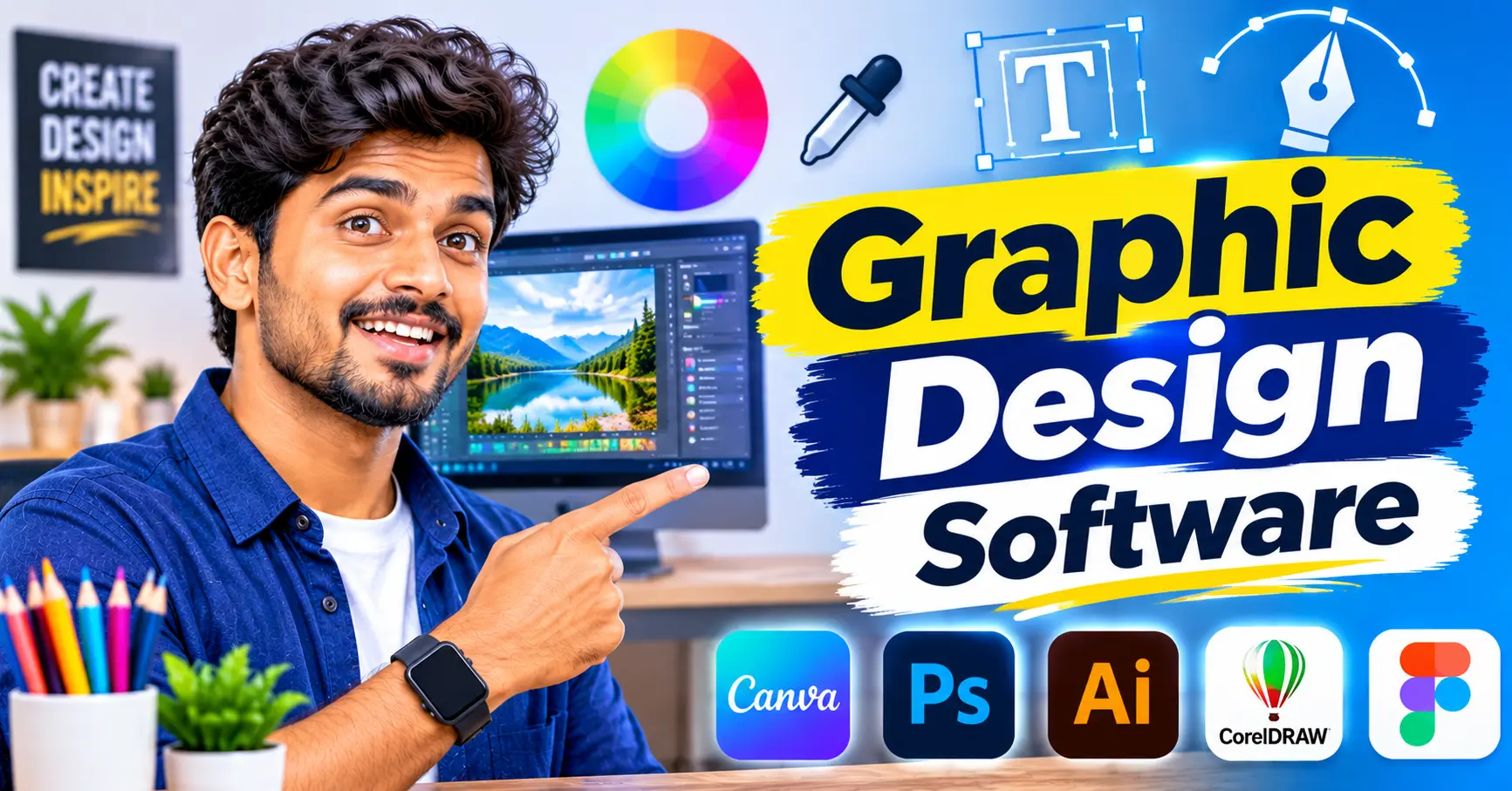
Graphic design software has become essential for businesses of every size. Whether you need a new logo, social media graphics, product images or a sales presentation, the right tools let you create professional visuals without hiring a full design team.
Today’s platforms range from advanced professional suites to simple drag-and-drop editors powered by artificial intelligence. This guide explains what graphic design software is, the main tools and features available, and how to choose the best option for your business.
What Is Graphic Design Software?
Graphic design software is any application that helps you create, edit and arrange visual content. This includes images, illustrations, typography, layouts and brand assets for print and digital use.
Traditional tools focused on detailed photo editing and vector illustration, which required training to use well. Modern platforms add templates, drag-and-drop editing and AI features, so non-designers can also produce polished work in less time.
Why Businesses Need Graphic Design Software
Visual content shapes how customers see your brand. A clean website banner, a well-designed advertisement or a consistent social media feed builds trust before anyone reads a word. This matters most on social media, where people scroll quickly and decide in seconds whether to stop.
For small businesses and startups, the software offers three clear advantages. It reduces dependence on external agencies, it speeds up content production, and it keeps colours, fonts and logos consistent across every channel. Teams can also share brand kits so that everyone works from the same approved assets.
Key Tools and Features to Look For
Most platforms now bundle several tools in one place. These are the features that matter most to business users.
Logo Maker
A logo maker helps you create a brand mark quickly by combining icons, shapes and typefaces. Many tools suggest designs based on your business name and industry, which is useful for startups that need an identity fast. Choose a tool that lets you download high-resolution and vector files, and check the licence terms so that you own the final design.
AI Image Generator
An AI image generator creates original images from a written description. You might type “a modern office desk with a laptop and plants in soft morning light” and receive several options in seconds. This is ideal for blog headers, advertisements and concept artwork. Review results carefully, as AI images can contain odd details, and check the commercial usage rights before publishing.
Mockup Generator
A mockup generator places your design onto realistic scenes, such as a T-shirt, a phone screen, packaging or a shop sign. It helps you present ideas to clients, test designs before printing and create attractive product images for online stores without arranging a photoshoot.
eCover Creator
An eCover creator produces digital covers for ebooks, reports, guides and online courses. Many include 3D book and device templates, so a downloadable guide looks like a physical product. This is particularly useful for lead magnets, where a professional cover can encourage more people to sign up.
Stock Images
Built-in libraries of stock images save hours of searching across separate websites. Look for a large, regularly updated collection with clear licensing. Free images are fine for everyday posts, but premium images often look less generic and help your brand stand out.
Presentation Software
Presentation software lets you build slide decks for pitches, training sessions and client meetings. Design-focused tools offer branded templates, charts, animations and easy sharing links. When your slides use the same fonts, colours and graphics as your other materials, your business looks more professional and memorable.
How to Choose the Right Graphic Design Software
With so many options available, focus on what your business actually needs.
Skill level: beginners benefit from templates and simple editors, while experienced designers may need layers, vector tools and precise colour controls.
Main use: decide whether you mostly create social media posts, print materials, product images or presentations.
Collaboration: check whether team members can share folders, leave comments and use a common brand kit.
File formats: make sure you can export PNG, JPG, PDF and SVG files for both web and print.
Integrations: look for links with your website builder, social media scheduler or cloud storage.
Pricing: compare free plans with paid tiers, and note any limits on storage, premium assets or AI credits.
Most providers offer a free plan or trial, so test your shortlist with a real project before committing to a paid plan.
Common Mistakes to Avoid
Even with excellent tools, a few habits can weaken your designs.
Overusing templates. Popular templates appear everywhere, so customise colours, fonts and layouts to match your brand.
Ignoring image rights. Not every image is free for commercial use. Read the licence before publishing any asset.
Cluttered layouts. Too many fonts, colours or elements confuse the viewer. Leave enough white space for your message to stand out.
Low-resolution files. Blurry logos and images look unprofessional, especially in print. Always export at the correct size and quality.
Frequently Asked Questions
Is free graphic design software good enough for a small business?
Yes, for many everyday tasks. Free plans often include templates, basic editing and a limited stock library. Paid plans add brand kits, premium assets and more AI features.
Can I use an AI image generator for commercial work?
Often, yes, but it depends on the provider’s terms. Check the usage rights for each tool before using AI images in advertisements or on products.
Do I need separate tools for logos, mockups and presentations?
Not always. Many all-in-one platforms include a logo maker, mockup generator and presentation software in a single subscription.
Conclusion
The right graphic design software helps your business create consistent, professional visuals without a large budget. Start by listing the tasks you do most often, whether that is building a logo, generating images, preparing mockups or designing presentations.
Then test two or three platforms, choose the one that suits your workflow, and build a simple brand kit so that every design looks like it belongs to the same business.