SmartDesk AI Review: Is This $14.94 AI Chatbot Worth It?

Give every website visitor an instant answer, even at 2 AM, without hiring a support team.

How many sales did your website lose last night while you were asleep? In this SmartDesk AI review, I’ll look at a tool built to answer that exact problem.

Think about it. A visitor lands on your page, ready to buy, with one small question about shipping or pricing. Nobody replies, so they close the tab and buy somewhere else.

The usual fix costs real money: live chat seats, a helpdesk, an AI add-on, someone to cover nights, and hours of writing FAQ scripts.

SmartDesk AI takes a different angle: you paste your website address, it reads your pages, and an AI agent starts answering your visitors around the clock.

In this SmartDesk AI review, I’ll explore what the software offers, how it works, and whether it’s worth your investment. Read on to find out if it fits your support and sales goals.

This review contains affiliate links. If you buy through them, I may earn a commission at no extra cost to you.

SmartDesk AI is a cloud-based AI chat and support desk app that learns your website and answers visitors 24/7, so small business owners, store owners and agencies can handle questions, leads and tickets without extra staff.

You add your site, pick one of 50+ ready-made AI agents, and paste one line of code. From there, the agent answers chats, collects names and emails, opens support tickets and hands tricky conversations to you. According to the vendor, it works on WordPress, Shopify, Wix, Webflow, Squarespace, React and any HTML site, and WordPress users get a plugin as well.

What sets it apart is that it bundles four tools into one dashboard: AI chat, live chat takeover, a ticket system and a lead inbox, plus a mobile app. If you run a WordPress site, it slots in next to the other tools in our guide to the best WordPress plugins.

SmartDesk AI Review: Quick Overview

Owerview
Product CreatorYogesh Kashyap
Product NameSmartDesk AI
Launch Date2026-Nov-22
Launch Time11:00 AM EST
Front-end Price$14.94 (one-time payment)
Number of OTOs8 upgrades, $37 to $197
CouponDESK3 for $3 off
Official Website>>>Visit The FE Salespage<<<
BonusYes, Huge Bonuses
Guarantee30 Day Money Back Guarantee
NicheAI Chatbot, Live Chat and Customer Support
Vendor’s Supporthttps://app.smartdeskai.live/dashboard/support
Claim My Bonusesbonus.samxavier@gmail.com
RecommendWorth considering for small businesses and agencies that want 24/7 AI website chat

Above is the Complete Overview of SmartDesk AI and I mentioned the creator’s name, the launch date of the product, and the Front End price details.

About the Creator: Yogesh Kashyap

SmartDesk AI is created by Yogesh Kashyap, who signs the sales page as the founder. In his own words, he has launched multiple AI apps, and each one taught him the same lesson: support eats your time, with the same questions arriving again and again while customers wait overnight in other time zones.

He says he first built SmartDesk AI as a support desk for his own products, then turned it into this launch. The vendor’s pages don’t list his earlier products by name, so I can’t point you to a track record here.

What I can confirm: buyer support runs inside the app, the vendor publishes a refund policy, terms and an earnings disclaimer, and every upgrade carries a 30-day money-back guarantee.

From One Pasted URL to a 24/7 Support Desk: What SmartDesk AI Can Do

Here are the features the vendor lists for SmartDesk AI, and who each one helps.

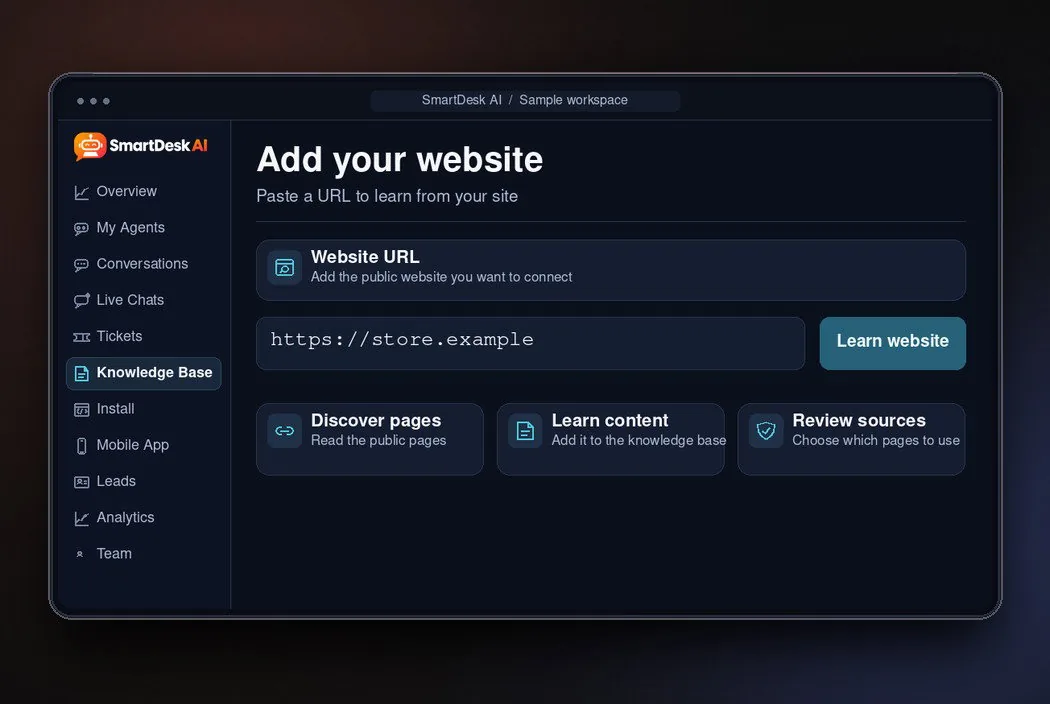
One-Click Website Learning: Paste a URL and Skip the FAQ Writing

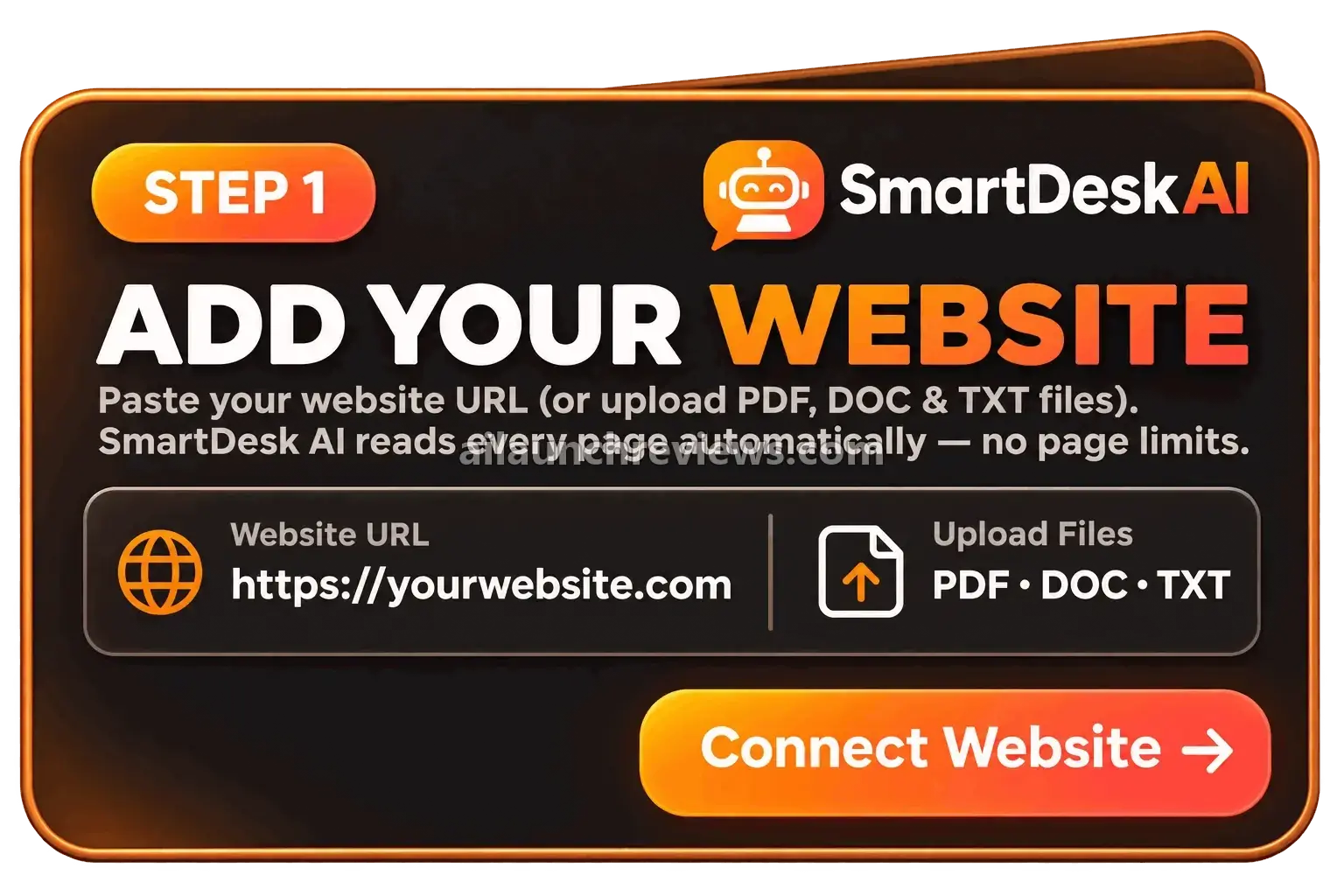
Tired of writing chatbot scripts by hand? Forget it. You paste your website address, and SmartDesk AI crawls your pages and builds its knowledge base on its own.

SmartDesk AI one-click website learning reads every page of a site

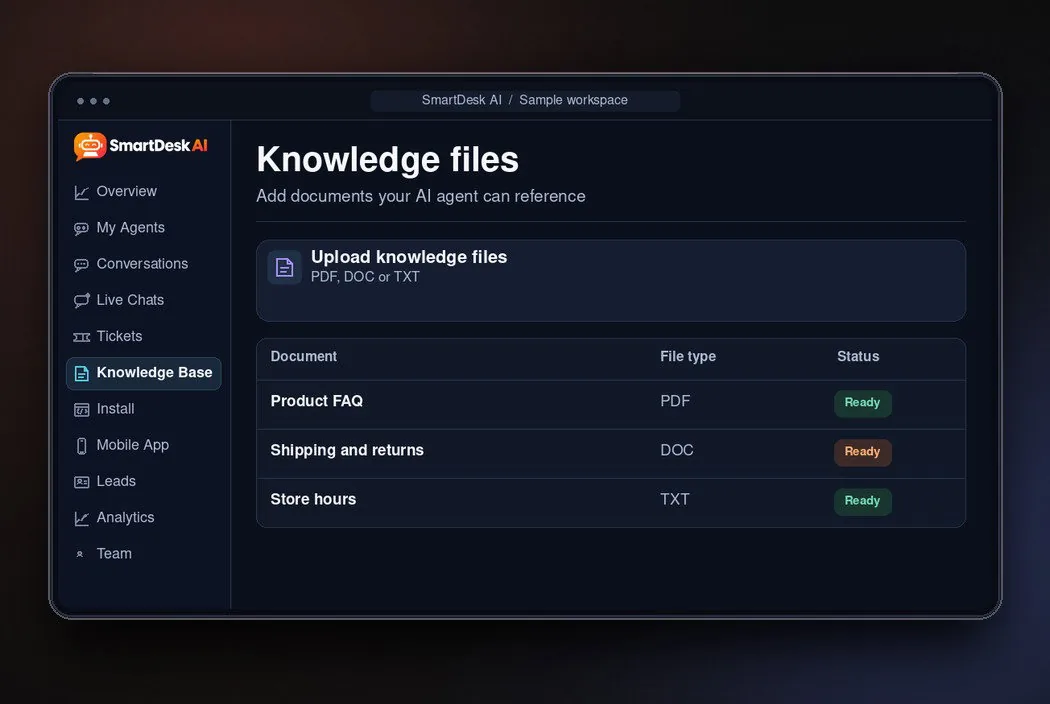
Knowledge File Uploads: Teach It What Your Website Doesn't Say

Got a price list, policy document or product manual that isn’t online? You can upload PDF, DOC and TXT files, and the agent uses them alongside your web pages.

SmartDesk AI knowledge file uploads for PDF, DOC and TXT files

50+ Ready-Made AI Agents: Pick a Role Instead of Building One

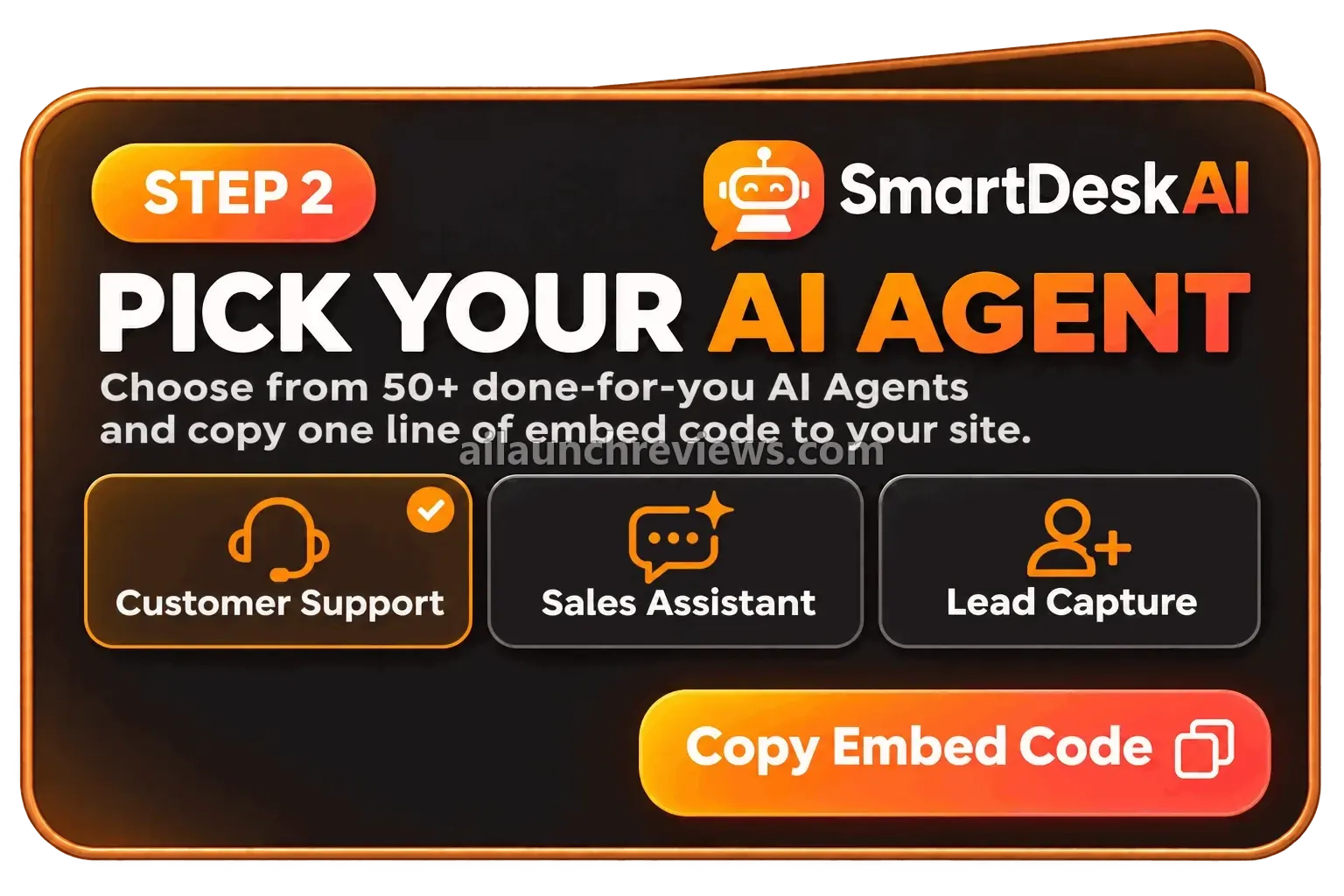
Not sure how a support bot should talk to a hotel guest compared with a software user? The library includes more than 50 ready-made agents for roles such as sales, support, booking and tech help.

Even better, you can use a different agent on each site.

SmartDesk AI library of 50+ ready-made AI agents

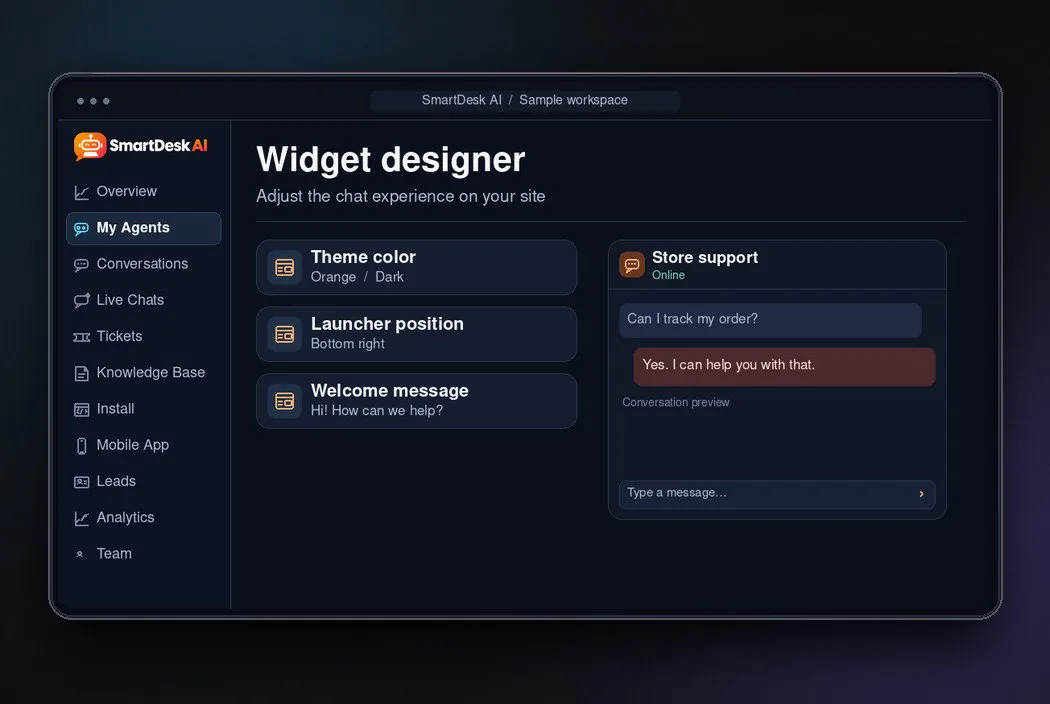
Full Widget Designer: Make the Chat Look Like Your Brand

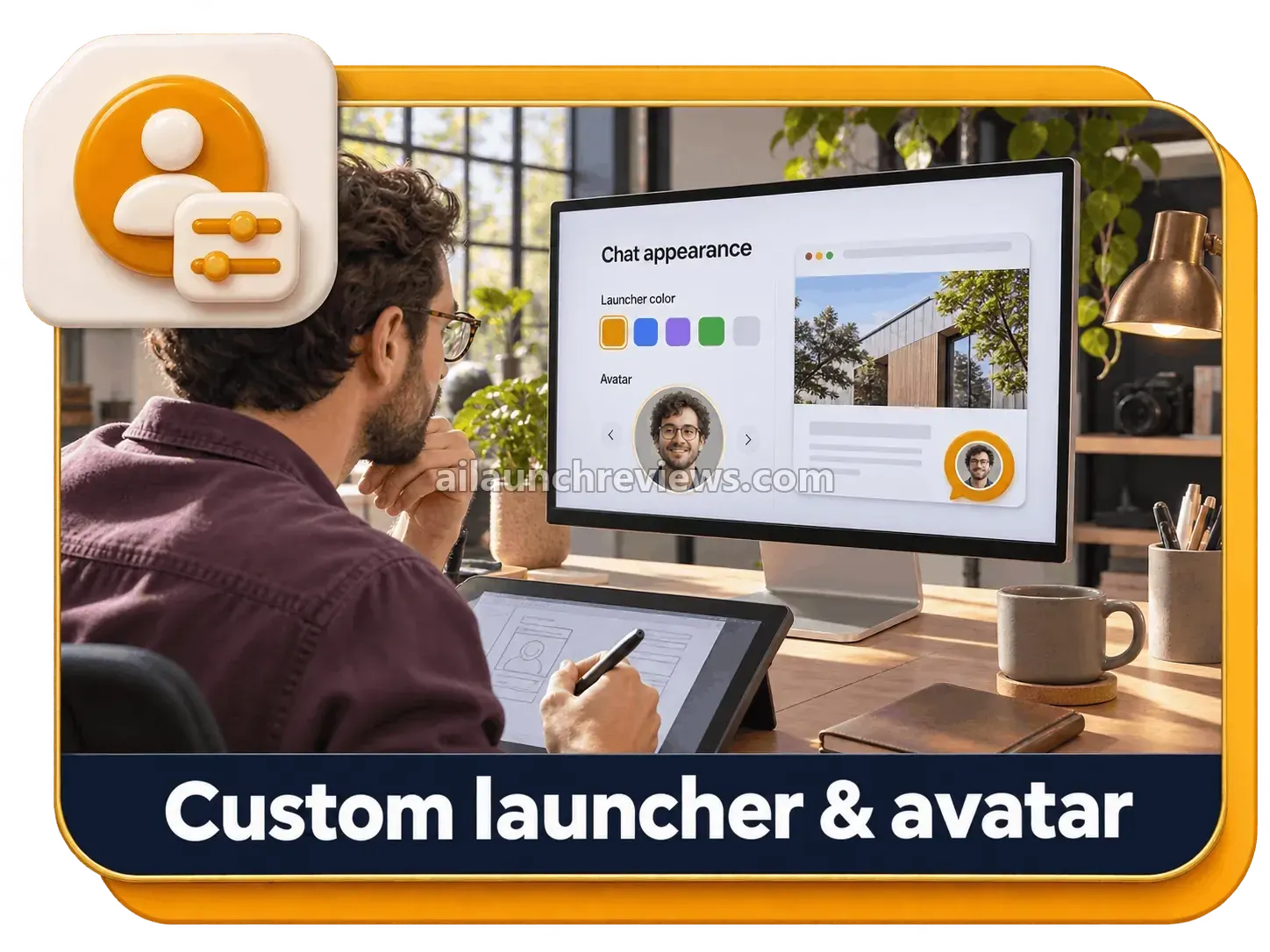
Want the chat bubble to match your site? The widget designer lets you set colors, the avatar, the launcher button, a custom greeting and your working hours.

SmartDesk AI full widget designer with colors, avatar and launcher

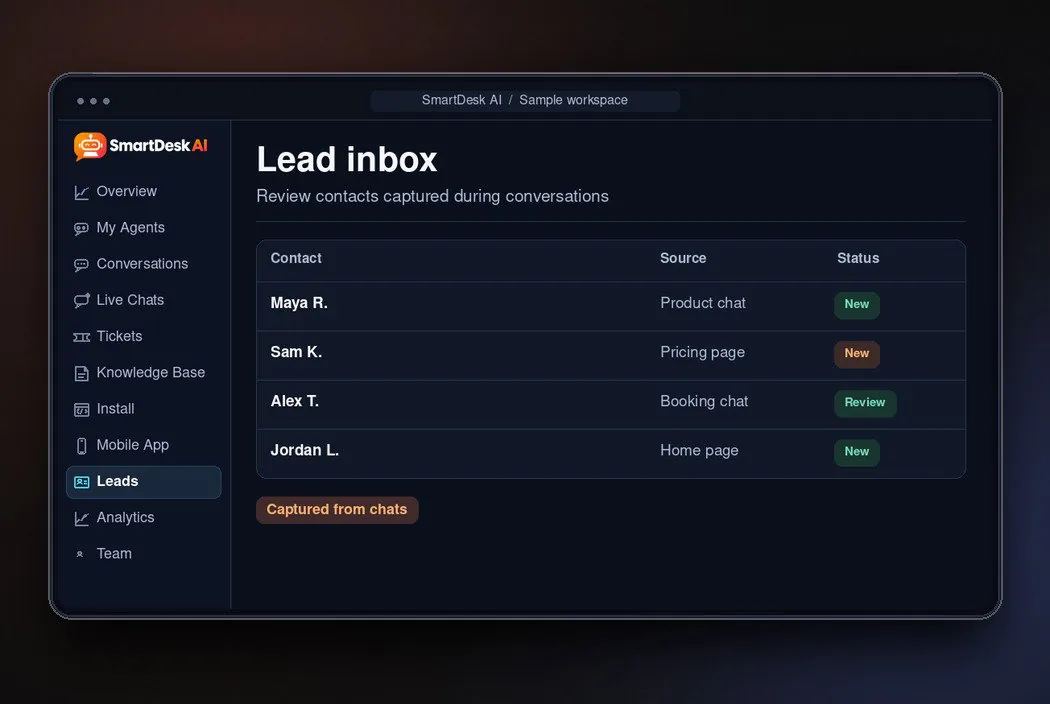
Lead Capture and Lead Inbox: Keep Every Interested Visitor

Visitors who chat are often your warmest prospects. SmartDesk AI can collect names and emails during the conversation and keep them in one Lead Inbox.

Even better, you can follow up the next morning instead of losing that visitor for good.

SmartDesk AI lead capture and lead inbox

Support Tickets With Email Alerts: Questions That Need a Human

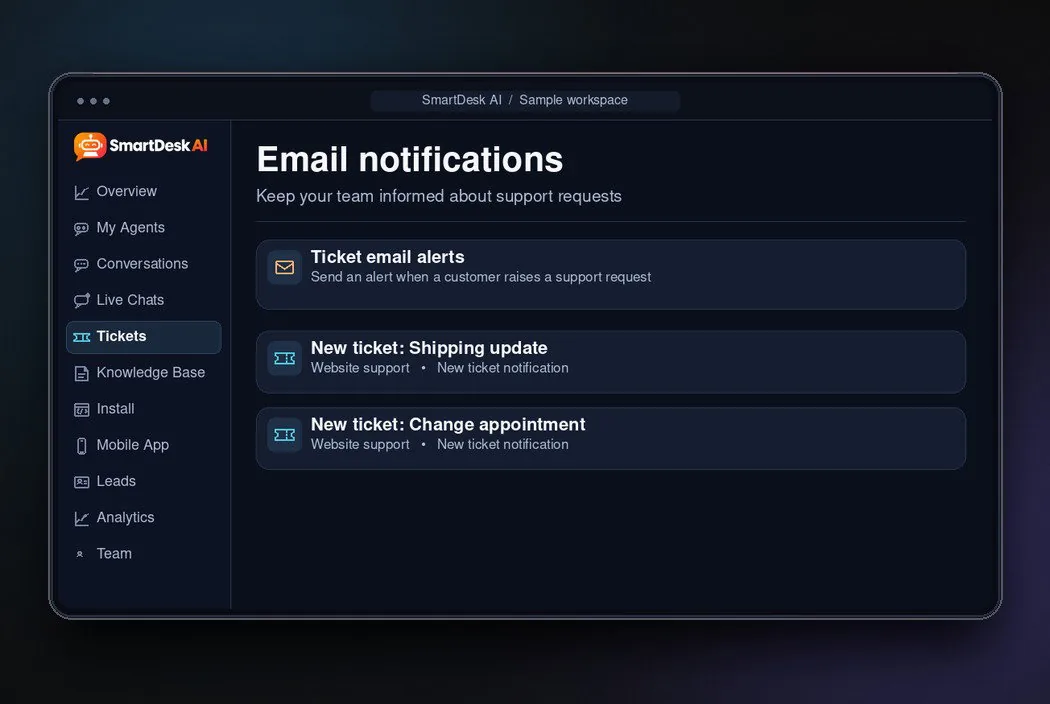
Some questions need a person, such as a refund request or an account problem. Customers can raise a ticket, the AI agent replies, and you get an email notification so you can review or step in.

SmartDesk AI support tickets with email notifications

Analytics Dashboard: See What Visitors Ask

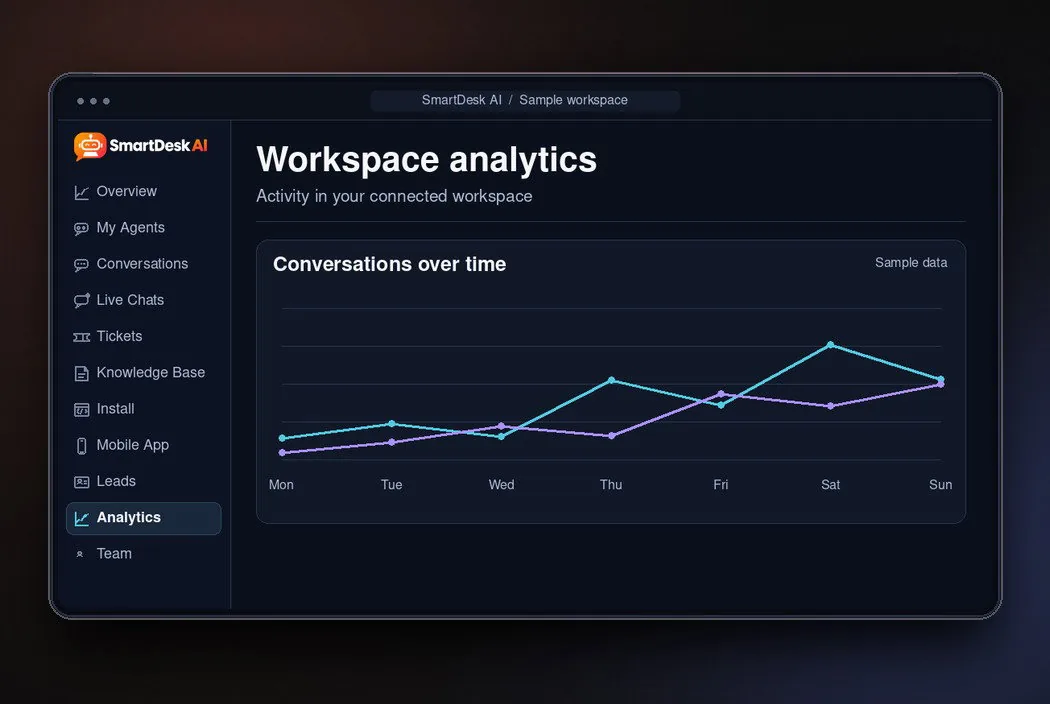
Which pages trigger the most chats? What do people ask before they buy? The analytics dashboard shows your conversations in one place, and every chat is saved so you can read what the AI told your customers.

SmartDesk AI analytics dashboard showing chat activity

Knowledge-Gap Report: Find the Questions It Couldn't Answer

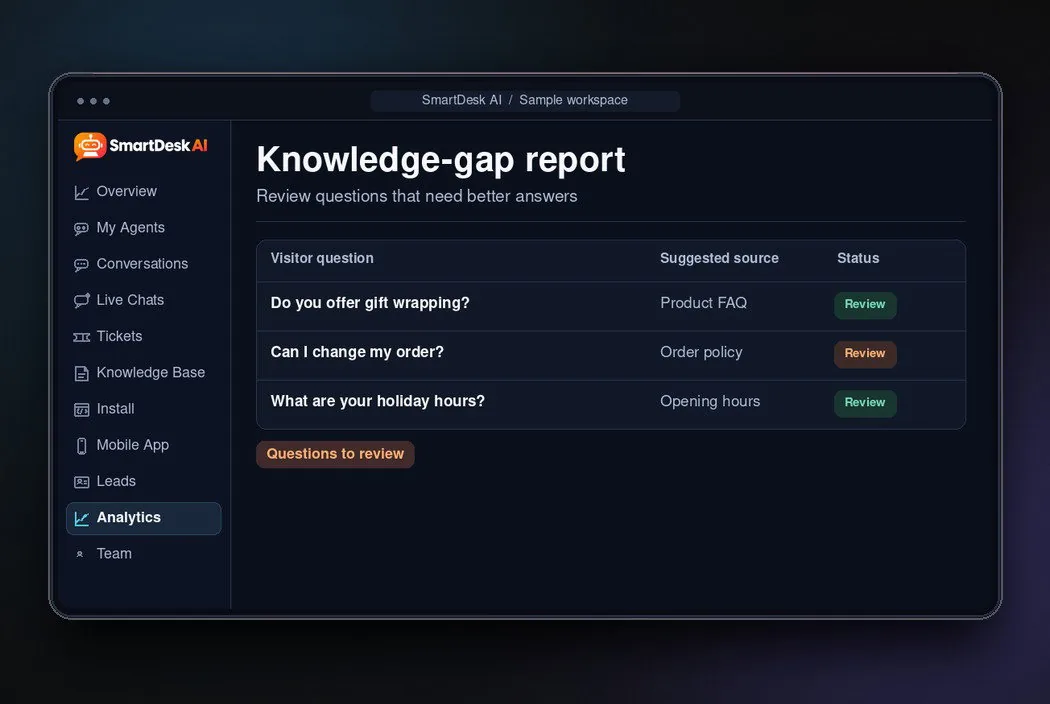
Here’s one of the biggest advantages of the tool: the Knowledge-Gap Report lists the questions the bot couldn’t answer.

The vendor is open that the first week usually needs a few answers added this way. That’s honest, and it’s how the bot gets better over time.

SmartDesk AI knowledge-gap report listing unanswered questions

Live Chat Takeover and Mobile App: Jump In From Your Phone

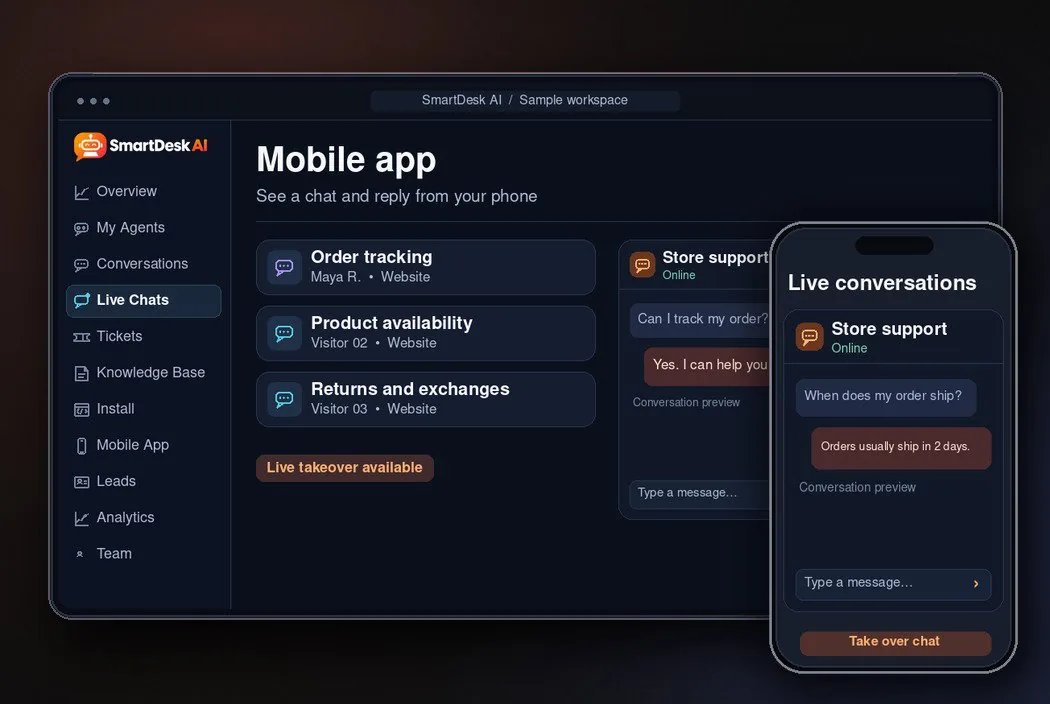
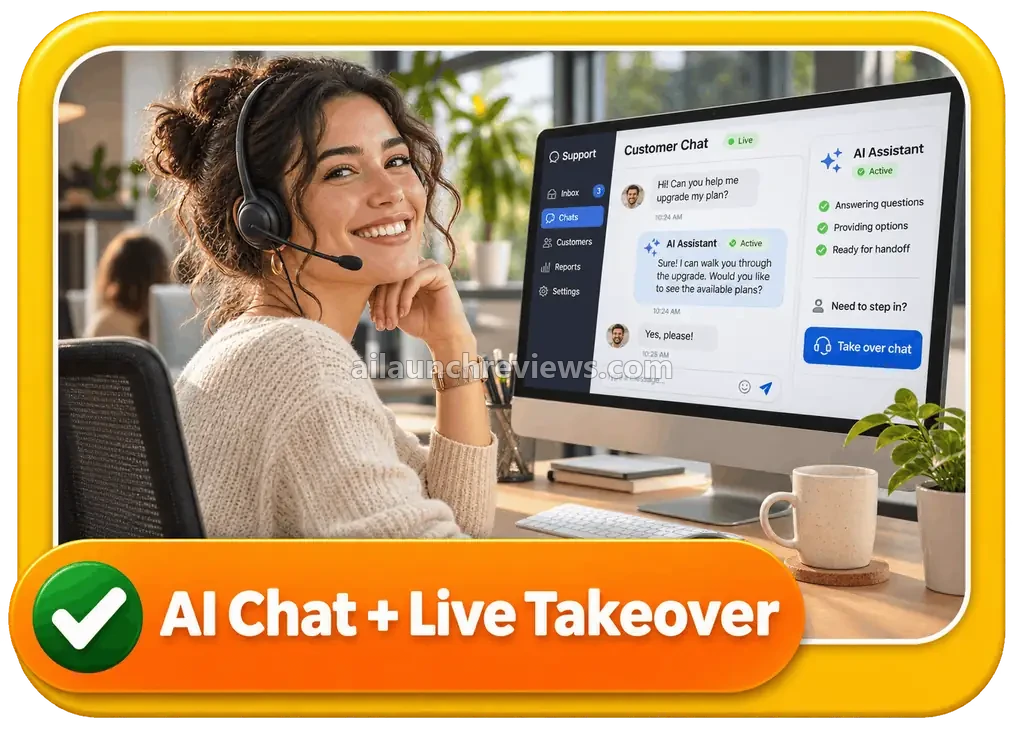
Want to close a big sale yourself? You can take over any conversation live, from the dashboard or the mobile app. On the front end, that’s for one operator; teams need PRO.

SmartDesk AI live chat takeover and mobile app

15+ Languages With Automatic Detection: Serve Visitors Abroad

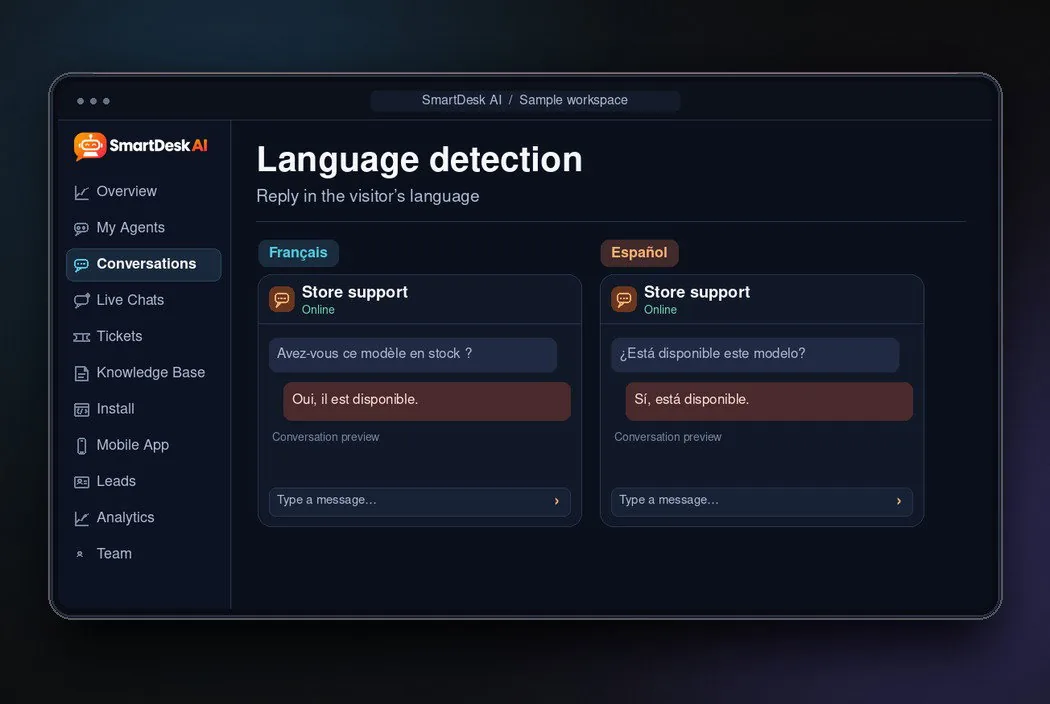
Get visitors from other countries? The agent detects the visitor’s language and answers in it, with more than 15 languages supported.

According to the vendor, it also says honestly when it doesn’t know an answer instead of guessing. That’s a small detail that protects your reputation.

SmartDesk AI answers visitors in 15+ languages

Cloud-Based App With One-Line Embed: Nothing to Host

There’s nothing to install and no hosting to buy. You log in from any browser, copy one line of embed code and paste it into your site.

The vendor says it works on WordPress, Shopify, Wix, Convertri and custom HTML, and adds setup guides for Webflow, Squarespace and React.

SmartDesk AI 100% cloud-based app

Commercial License: Set It Up for Clients

The front end includes a Commercial License, so you can set up SmartDesk AI on client websites. Of course, there’s a catch: a small “Powered by SmartDesk AI” badge shows on the widget until you upgrade.

SmartDesk AI commercial license for client websites

Ready to try it? Grab SmartDesk AI through the button below.

Apply code DESK3 for $3 off at checkout.

SmartDesk AI in Action: A Complete Step-by-Step Software Walkthrough

Picture a small dental clinic that wants its website to answer booking, pricing and opening-hours questions after hours. The steps follow the workflow on the vendor’s pages; I haven’t used the app myself.

Phase 1: Set Up Your Account and Add Your Website

Step 1: Open Your Access Email

After purchase, your account is created automatically and the login details arrive by email. Public signup is closed, so there’s no separate registration form.

Step 2: Log In to the Dashboard

Sign in from any browser. The app is cloud-based, so you don’t download or host anything.

Step 3: Paste Your Website URL

Add the clinic’s website address. SmartDesk AI reads the pages and builds the knowledge base for you, so services, prices and opening hours are covered from the start.

SmartDesk AI walkthrough step adding a website URL

Step 4: Upload Knowledge Files

Upload the clinic’s price list or insurance policy as a PDF, DOC or TXT file. The agent uses these together with the website.

Step 5: Add Any Missing Facts

Add short answers for details the site doesn’t mention, such as parking or emergency appointments.

Phase 2: Pick and Style Your AI Agent

Step 6: Choose an Agent From the Library

Browse the 50+ ready-made agents and pick a booking or support role for the clinic.

SmartDesk AI walkthrough step choosing an AI agent

Step 7: Design the Launcher and Avatar

Set the widget colors to match the clinic’s brand, then choose an avatar and launcher style.

SmartDesk AI walkthrough step designing a custom avatar and launcher

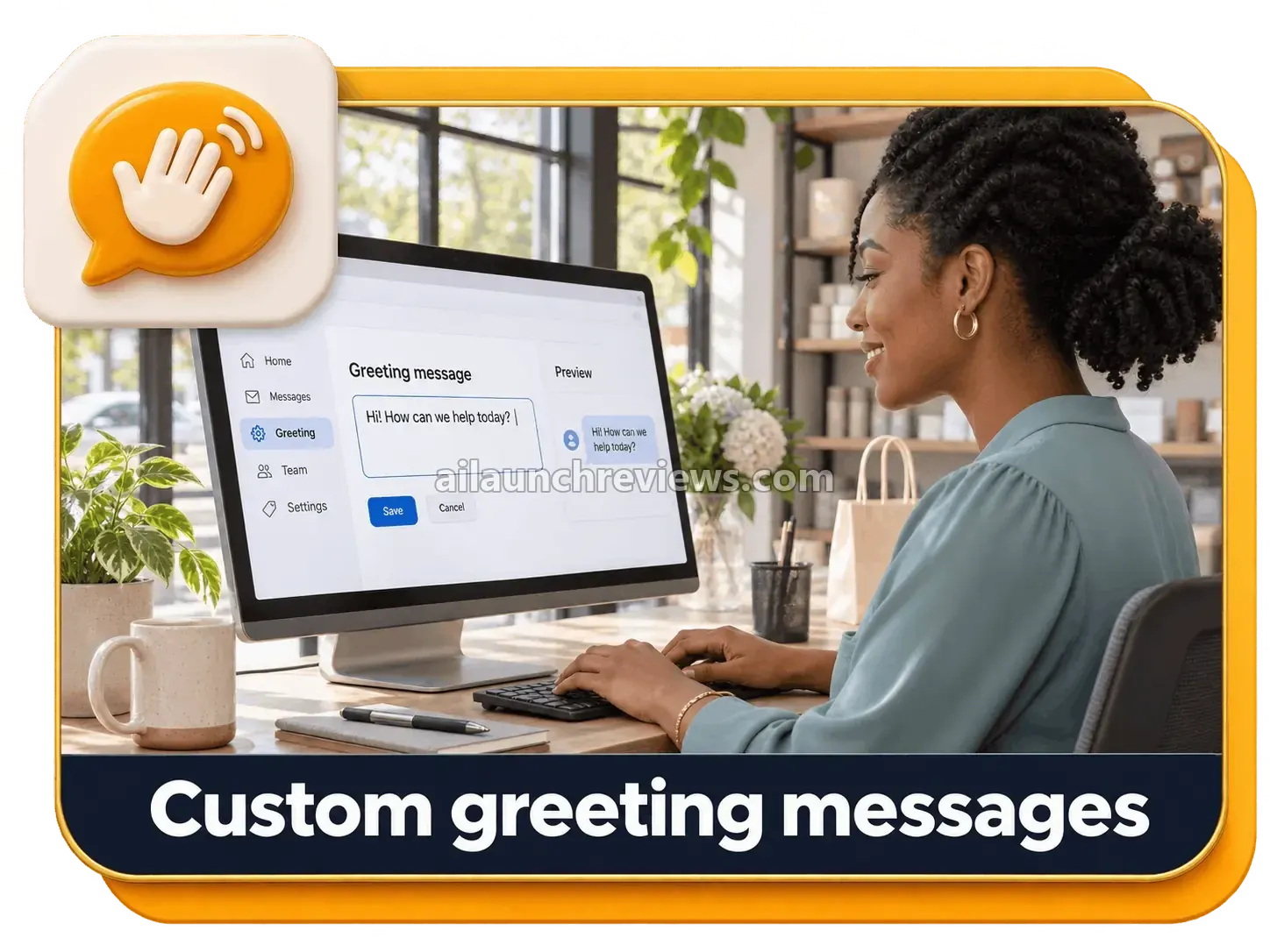
Step 8: Write a Greeting Message

Write the first line visitors see, for example a friendly offer to help with bookings and prices.

SmartDesk AI walkthrough step setting a custom greeting message

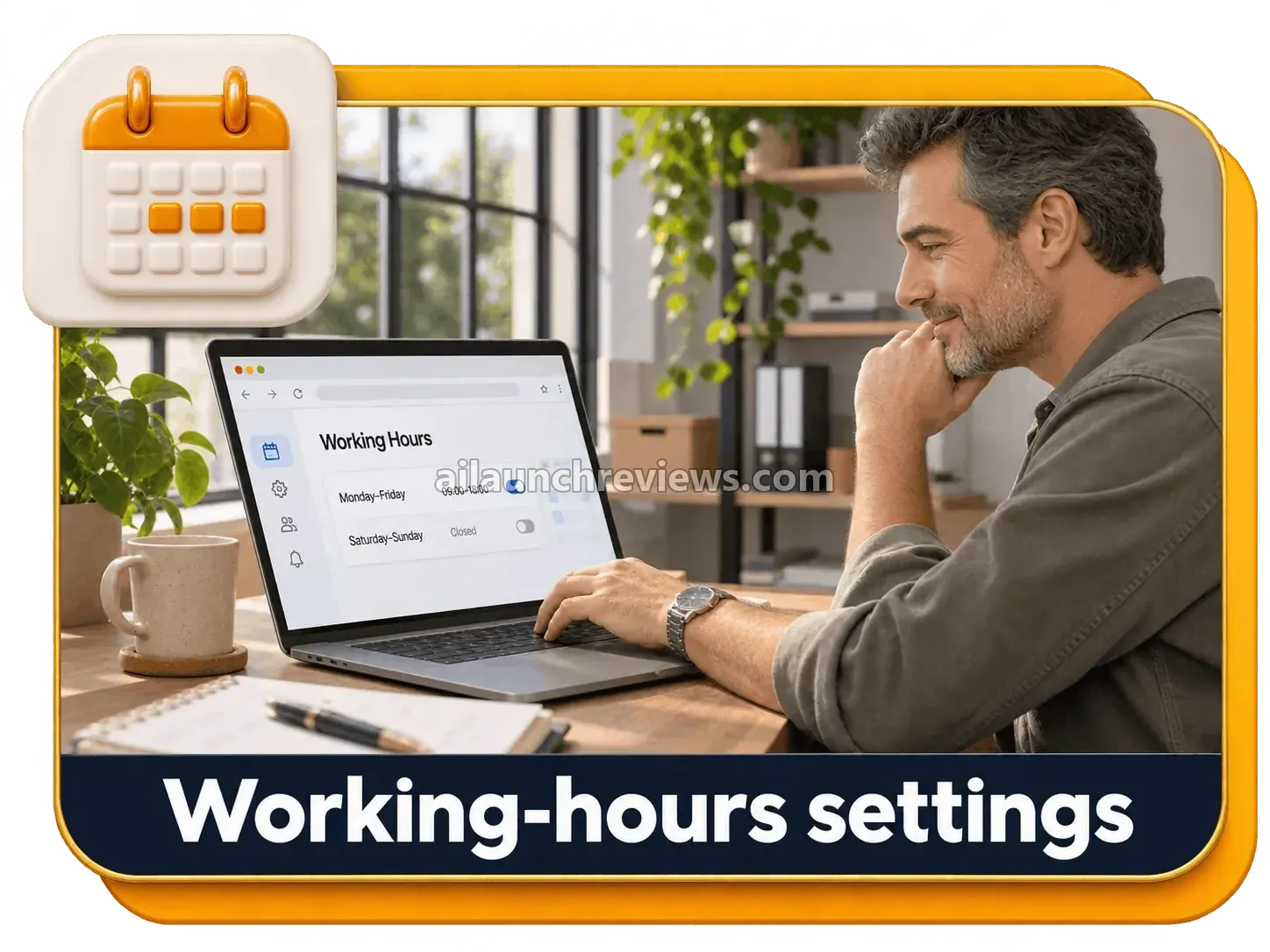
Step 9: Set Your Working Hours

Tell the widget when the clinic’s staff are available. Outside those hours, the AI handles the conversation on its own.

SmartDesk AI walkthrough step setting working hours

Phase 3: Install the Chat Widget

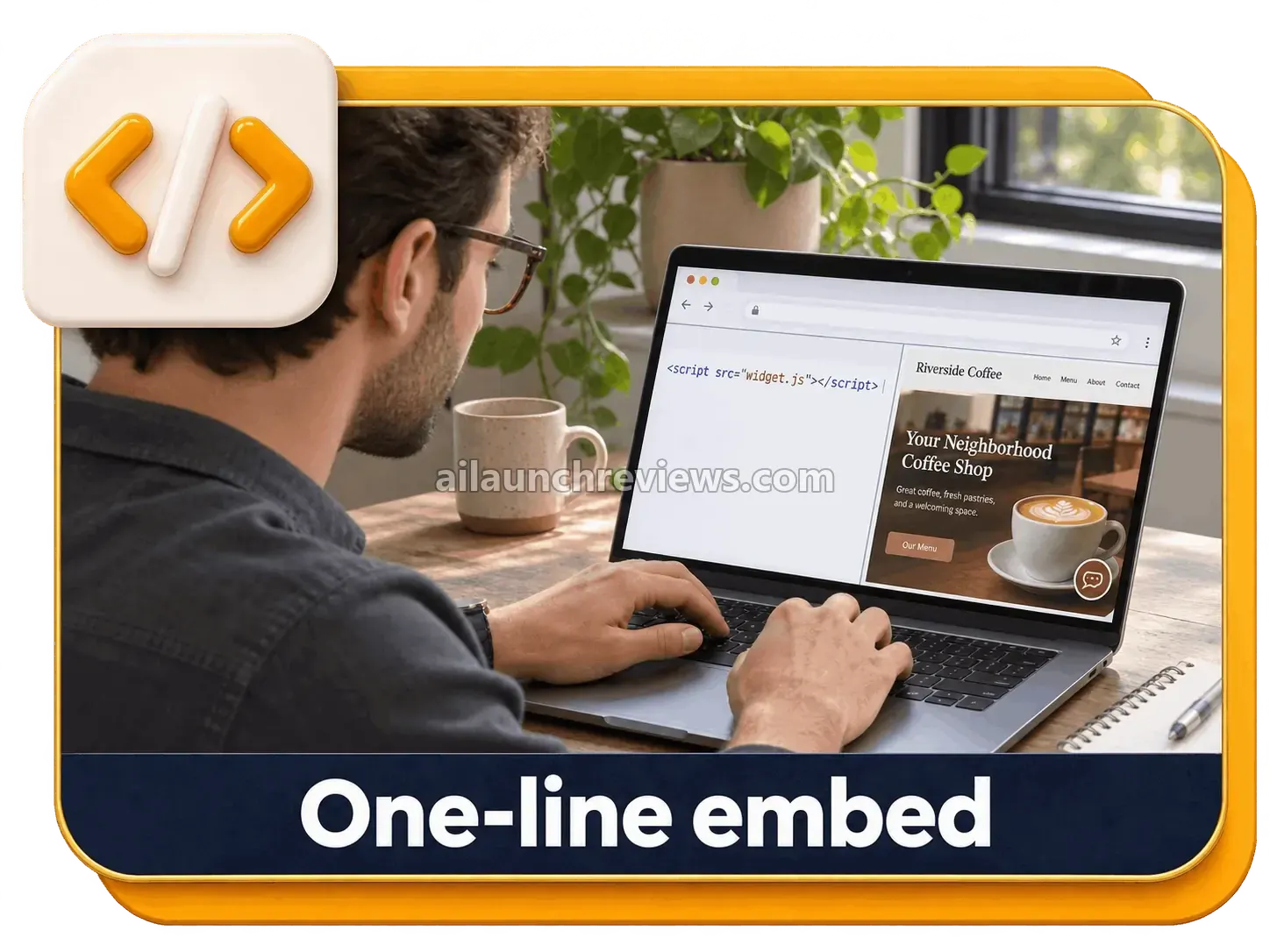
Step 10: Copy the Embed Code

Copy the single line of embed code from the dashboard. On WordPress, you can use the plugin instead.

SmartDesk AI walkthrough step copying the one-line embed code

Step 11: Paste It Into Your Site

Paste the code into the site’s header or footer area, or follow the vendor’s guide for Shopify, Wix, Webflow, Squarespace or React.

Step 12: Ask It a Few Test Questions

Open the site and ask the bubble what a normal patient would ask. Try one question in another language and one the site doesn’t answer, so you see how it handles both.

Phase 4: Run, Watch and Improve

Step 13: Watch Conversations in the Dashboard

Read exactly what the AI told each visitor and check the analytics.

SmartDesk AI walkthrough step reviewing chats in the dashboard

Step 14: Take Over a Chat Live

When a conversation needs a person, jump in from the dashboard or the mobile app and continue the chat yourself.

SmartDesk AI walkthrough step taking over a live chat

Step 15: Answer Support Tickets

When a visitor raises a ticket, you get an email alert. Review the AI’s reply or add your own.

SmartDesk AI walkthrough step handling support tickets and email alerts

Step 16: Follow Up From the Lead Inbox

Open the Lead Inbox the next morning and contact the people who left their name and email overnight.

Step 17: Fill the Gaps

Open the Knowledge-Gap Report, see which questions the bot missed, and add those answers.

SmartDesk AI walkthrough step using the analytics and knowledge-gap report

For more details, watch the demo video below:

Why Should You Consider Using SmartDesk AI?

Here are 4 reasons why I believe SmartDesk AI could be a valuable addition to your support and sales setup:

It Answers the Visitors You Currently Miss

Most small sites have no one online at night or on weekends. SmartDesk AI covers those hours, and the vendor says the support desk can go live the same day you buy. What I like here is that silent traffic turns into conversations you can read.

It Replaces Several Paid Tools With One

A typical setup means paying separately, usually monthly, for live chat seats, a helpdesk, an AI add-on and lead tools. Here, chat, tickets, leads and analytics sit in one app for a one-time $14.94. I think that’s the strongest value argument in the whole offer.

It Learns From Your Site Instead of From Scripts

You don’t write decision trees or train a model. The bot reads your pages and files, and the Knowledge-Gap Report shows you what to add. What I like here is that you check answers instead of writing them.

It Can Become a Service You Sell

The front end already includes a Commercial License, and the sales page lists 7 ways to use it for clients, from local business setups to monthly management. Of course, the software won’t automatically bring you customers or guarantee income. You still have to find and pitch the clients.

Who Is SmartDesk AI Best For?

SmartDesk AI is a great fit for:

  • Online store owners: answer shipping, returns and product questions before the buyer leaves.
  • Local business owners: dentists, salons, restaurants, gyms and hotels can handle bookings and hours after closing time.
  • Agencies and freelancers: add AI chat setup as a service, with the Agency and Whitelabel upgrades for scale.
  • Coaches and course creators: answer student and prospect questions around the clock.
  • SaaS and app creators: cut repeat tech support tickets.
  • Affiliate marketers and bloggers: let an agent answer pre-sale questions on review and bonus pages.
  • Complete beginners: if you can copy and paste a URL, the vendor says you can run it.

It may not suit:

  • Stores that need order tracking in chat: the bot doesn’t see private order data unless an action is connected.
  • Large support teams on the front end alone: live takeover is limited to one operator until you buy PRO.
  • Anyone who wants zero upkeep: you’ll still need to review gaps and add answers in the first weeks.

SmartDesk AI Pricing Breakdown: Front-End, OTOs and Coupon

Front-End Price

SmartDesk AI is available for just $14.94 (one-time payment), with no monthly subscription required.

The front end, which the checkout calls SmartDesk AI Core, includes the cloud-based app, the 50+ agent library, website learning and file uploads, the widget designer, lead capture and the Lead Inbox, support tickets with email alerts, analytics with the Knowledge-Gap Report, the mobile app with live takeover for one operator, 15+ languages, training videos, the Commercial License and the 5 vendor bonuses.

Compared with monthly live chat and helpdesk bills, $14.94 once is a low-risk way to test AI chat on your site.

The sales page says the $14.94 launch price is temporary and rises when its countdown timer ends. The vendor doesn’t give a date for that increase.

At checkout, you can also add the SmartDesk AI Business Edition order bump for $9.97 one-time, which the sales page limits to the first 25 buyers. It adds unlimited websites and AI agents, unlimited support tickets, advanced analytics and conversation insights, removal of the SmartDesk branding, commercial rights and priority VIP support.

You’re covered by a 30-day money-back guarantee. The vendor says that if it doesn’t work for you, you can contact the support team within 30 days for a full refund.

Apply code DESK3 for $3 off.

Click the button below to access the main sales page:

SmartDesk AI OTO Breakdown

Here’s every upgrade in the funnel, in order:

OTO 1: SmartDesk AI Unlimited ($67 Silver / $97 Gold)

Price: $67 Silver or $97 Gold (one-time payment)

This upgrade removes the limits of the Core plan and adds priority processing, according to the vendor’s checkout. It pays for itself once you run chat on several sites or for paying clients.

Here’s what you’ll unlock with this upgrade: unlimited websites, AI agents, pages, knowledge files, conversations, leads, tickets and widget designs, re-crawls whenever your content changes, unlimited client projects, and future updates. The vendor’s pages don’t spell out how Silver and Gold differ beyond the price.

Who needs it: anyone running chat on several sites or for clients. Who can skip it: owners of a single small website.

OTO 2: SmartDesk AI PRO ($65 Regular / $67 Full Access)

Price: $65 Regular or $67 Full Access (one-time payment)

PRO turns the account into a team help desk. It pays for itself when more than one person answers chats or you want leads sent straight to your CRM.

Here’s what you’ll unlock with this upgrade: unlimited live chat operators and team seats, role-based permissions, email-to-ticket replies, Zapier, Make, Google Sheets, Slack and CRM integrations, webhooks and custom actions, a choice of premium AI models, advanced analytics and Knowledge-Gap Reports, and CSV export of conversations and leads. The vendor describes the Regular tier as a cut-down PRO Basic with 3 extra features and a reseller license.

Who needs it: teams, agencies and anyone using a CRM. Who can skip it: solo owners who answer every chat themselves.

OTO 3: SmartDesk AI DFY ($67 One-Time)

Price: $67 (one-time payment)

Don’t want to do the setup? The vendor’s team builds, trains and installs your AI support agent, tunes the answers to your business, matches your brand colors and puts it on your website. You share your login details with their support team and they handle the rest.

Here’s what you’ll unlock with this upgrade: account setup, configured chat and support agents, done-for-you support workflows and one-on-one help. The page also promises free traffic and large earnings, which I’d treat as sales claims.

Who needs it: busy owners who want a working bot without touching settings. Who can skip it: anyone comfortable pasting a URL and a line of code.

OTO 4: SmartDesk AI Workers ($97 One-Time)

Price: $97 (one-time payment)

AI Workers gives your agent a specific job. According to the vendor’s checkout, a support worker answers questions, a sales worker qualifies leads, a follow-up worker emails people who didn’t buy, and a booking worker fills your calendar.

Here’s what you’ll unlock with this upgrade: role-based AI workers trained on your business, AI follow-up emails and booking help. The upgrade page also describes 20 AI workers for websites, graphics, video and social posts, so check which ones apply to your account.

Who needs it: coaches and service businesses that book calls or chase leads. Who can skip it: sites that only need questions answered.

OTO 5: SmartDesk AI Ranker ($47 One-Time)

Price: $47 (one-time payment)

AI Ranker turns the questions your visitors ask into search-friendly answers and FAQ pages. It pays for itself if organic traffic matters to you, because the content comes from real customer questions rather than guesses. If you want to compare it with dedicated tools, see our guide to SEO tools for improving website rankings.

Here’s what you’ll unlock with this upgrade: SEO content built from your chat questions, search-friendly answer pages, and the backlink and indexing features the upgrade page lists. I’d ignore its promise of guaranteed rankings.

Who needs it: bloggers and stores that rely on search traffic. Who can skip it: businesses that get visitors from ads or referrals.

OTO 6: SmartDesk AI Traffic Profits ($37 One-Time)

Price: $37 (one-time payment)

Traffic Profits is training, not software. It helps if you have a bot but no visitors yet.

Here’s what you’ll unlock with this upgrade: video lessons on simple traffic methods, building a basic funnel and using your AI agent to follow up every lead. The page also promises buyer clicks from the vendor’s traffic pool without saying where they come from. For a broader look at the options, read our traffic generation software guide.

Who needs it: beginners with no visitors yet. Who can skip it: anyone who already has steady traffic.

OTO 7: SmartDesk AI Agency ($97 One-Time)

Price: $97 (one-time payment)

Agency gives you your own admin panel to create accounts for clients, plus a commercial license to sell AI chatbots to local businesses and keep what you charge. It pays for itself once you have a handful of clients paying for setup or monthly support.

Here’s what you’ll unlock with this upgrade: unlimited agency account licenses, a client admin panel where you create accounts by email, ready-made sales materials, the vendor handling support for your clients, payments through PayPal, Stripe or bank transfer, and 5 extra bonuses.

Who needs it: freelancers and agencies selling chat setups. Who can skip it: owners using it only on their own sites.

OTO 8: SmartDesk AI Whitelabel ($197 One-Time)

Price: $197 (one-time payment)

Whitelabel lets you sell the software as your own product, with your logo, brand name and domain, plus a reseller license. The vendor says it hosts and updates the software, designs a logo and helps set up your domain.

Here’s what you’ll unlock with this upgrade: a hosted, rebranded app on your own domain, PayPal payment processing, and training on traffic, recruiting affiliates and launching on WarriorPlus or JVZoo.

Who needs it: marketers who want to run a software brand. Who can skip it: almost everyone else, including most agencies.

Front-end plus every upgrade comes to $720.94 at the top tiers ($14.94 + $97 + $67 + $67 + $97 + $47 + $37 + $97 + $197), or $688.94 if you pick Silver for OTO 1 and Regular for OTO 2.

Which Plan Should You Pick?

If you run one small website, the $14.94 front end is enough to start, and the $9.97 Business Edition bump is the cheapest way to remove the branding. If you manage several sites, add Unlimited. If a team answers chats or you use a CRM, PRO is the upgrade that changes daily work. Agencies should look at Unlimited plus Agency, and leave Whitelabel to people who really want to run their own software brand.

SmartDesk AI Bonuses

According to the sales page, SmartDesk AI comes with 5 vendor bonuses aimed at landing your first chat clients:

AI Chat Agency Starter Kit (Value $147)

A ready-to-send client proposal, pricing sheet, cold email and DM scripts to land your first AI live chat clients.

SmartDesk AI bonus AI Chat Agency Starter Kit

50 Done-For-You Niche Knowledge Packs (Value $37)

Plug-and-play FAQ and knowledge files for dentists, salons, restaurants, real estate, eCommerce and more.

SmartDesk AI bonus 50 done-for-you niche knowledge packs

Fiverr and Upwork Gig Blueprint (Value $39)

Copy-paste gig titles, descriptions, 3-tier packages and buyer reply templates for selling AI chatbot setups.

SmartDesk AI bonus Fiverr and Upwork gig blueprint

Local Client Hunter Playbook (Value $27)

A step-by-step method to find local businesses with no live chat on their site and pitch them.

SmartDesk AI bonus Local Client Hunter Playbook

Chat-To-Sale Script Vault (Value $47)

Greetings, objection-handling replies and lead-capture lines to help your AI agents sell more.

SmartDesk AI bonus Chat-To-Sale Script Vault

On top of these, you also get my own bonus package, shown at the end of this review.

Can You Really Make Money With SmartDesk AI?

Yes, but the software won’t bring you customers or guarantee income on its own. The Commercial License on the front end lets you set it up for clients, and the methods below are the ones the vendor describes.

Sell AI Live Chat Setups to Local Businesses

Dentists, salons, restaurants and gyms pay a one-time setup fee. You paste their URL, pick an agent and add the code. Price it against what local web designers charge for small add-ons. Most of the effort goes into finding and pitching businesses.

Charge a Monthly Management Fee

Clients who want ongoing care pay monthly. You monitor their chats, check the lead inbox, fill gaps with the Knowledge-Gap Report and send a short monthly report. Price it by the hours you actually spend each month. You’ll want Unlimited once you manage more than a few sites.

Offer It on Fiverr, Upwork and Freelancer

Buyers on freelance marketplaces pay for gigs such as “I will add an AI chatbot to your website”. The bonus gig blueprint gives you titles and 3-tier packages to start from. Start with lower prices while you collect reviews, and expect competition.

Add It to Your Existing Services

If you already do web design, SEO or WordPress work, your current clients are the buyers. Add AI chat as a paid extra on each project. To remove the “Powered by” badge, you’ll need the Business Edition bump or Unlimited.

What I Love About SmartDesk AI (And What I'd Improve)

PROS:

  • Low Entry Price: $14.94 one-time for chat, tickets, leads and analytics in one app.
  • No Scripts to Write: the bot learns from your pages and uploaded files.
  • 50+ Agent Roles: ready-made agents for sales, support, booking and tech help.
  • Human Handoff: live takeover from the dashboard or mobile app when a chat needs a person.
  • Built-In Helpdesk: support tickets with email alerts, no second tool needed.
  • Knowledge-Gap Report: shows exactly which questions to answer next.
  • 15+ Languages: automatic language detection for visitors abroad.
  • Honest Answers: the vendor says the bot admits when it doesn’t know instead of guessing.
  • Works Almost Anywhere: one-line embed, a WordPress plugin and guides for major site builders.
  • Commercial License Included: you can set it up for clients on the front end.
  • Useful Vendor Bonuses: the proposal kit and niche knowledge packs suit agency beginners.

CONS:

  • Unclear Front-End Limits: the sales page promises unlimited pages and messages, but the vendor’s partner notes put Core at 5 agents, 100 pages per crawl and 10,000 messages a month, and the Unlimited upgrade is sold as removing Core’s limits.
  • Branding on the Front End: a “Powered by SmartDesk AI” badge shows until you buy the Business Edition bump or Unlimited.
  • One Operator Only: live takeover is for one person; team seats and integrations need PRO.
  • No Private Order Data: the bot can’t look up orders or accounts unless an action is connected.
  • Some Setup Still Needed: expect to add missing answers during the first week.
  • Hype on Upgrade Pages: several OTO pages make income and ranking promises that I wouldn’t rely on.

SmartDesk AI FAQ

1. Do I need technical or coding skills to use SmartDesk AI?

No. You paste your URL, pick an agent and copy one line of code, and WordPress users can use the plugin.

2. Is SmartDesk AI cloud-based or installed?

Yes, it’s cloud-based. You log in from any browser, and the mobile app lets you manage chats from your phone.

3. Do I need the OTOs for SmartDesk AI to work?

No. The front end works on its own; upgrades add unlimited usage (OTO 1), team seats and integrations (OTO 2), setup services and client tools.

4. Does SmartDesk AI include commercial rights?

Yes. The front end includes a Commercial License, though the “Powered by SmartDesk AI” badge stays until you buy the Business Edition bump or Unlimited.

5. Are there monthly fees or API costs?

No. The vendor says there are no monthly fees during the launch and doesn’t mention needing your own AI API key.

6. Can I export my chats and leads?

Not necessarily. CSV export of conversations and leads is listed as a PRO (OTO 2) feature, so plan for that if you need backups or CRM imports.

7. Does SmartDesk AI work on any website?

Yes, in most cases. Any site where you can add one line of code works, including WordPress, Shopify, Wix, Webflow, Squarespace, Convertri, React and custom HTML.

8. Can I use SmartDesk AI for client websites?

Yes. The Commercial License covers client setups, and the Agency upgrade (OTO 7) adds an admin panel to create client accounts.

9. Does SmartDesk AI include customer support?

Yes. Every buyer gets a support page inside the app with AI chat, live chat and tickets.

10. Is there a refund policy?

Yes. The front end and every upgrade come with a 30-day money-back guarantee through the vendor’s support team.

My Final Verdict on SmartDesk AI

Overall, I believe SmartDesk AI is worth considering, especially if you want an AI agent that answers website visitors, collects leads and opens tickets for a one-time $14.94 instead of several monthly subscriptions. That’s my conclusion for this SmartDesk AI review.

Single-site owners can start with the front end, and the $9.97 Business Edition bump if the badge bothers you. Agencies get more from Unlimited plus Agency, and teams that need integrations should add PRO.

One honest caveat: this review is based on the vendor’s sales page, upgrade pages and checkout pages, not on my own hands-on use. The vendor’s pages disagree on the front-end limits, so check them inside your account and use the 30-day guarantee if they don’t suit you.

GENERAL BONUS

CLAIM YOUR EXCLUSIVE BONUSES IN 3 SIMPLE STEPS

Step 1: Purchase the SmartDesk AI directly from my website.

Step 2: Once your purchase is complete, forward your receipt to: bonus.samxavier@gmail.com

Step 3 (Final): Sit back and relax! You’ll receive all your bonuses within 24 hours, guaranteed.

Thanks for reading my SmartDesk AI Review. Wishing you and your family continued success and prosperity!

Author

  • Sam

    I’m Sam, an SEO, digital marketing, and affiliate marketing specialist. Through ailaunchreviews.com, I promote and review AI tools, plugins, themes, and software, helping beginners choose high-quality, efficient products that deliver real value, productivity, and trustworthy results.

Leave a Comment